MP4 Video Files: Everything You Need to Know | Forever Studios
Discover all you need to know about MP4 files: creation, opening, protection, preservation, and more! Let's dive in.
Contents
Forever Studios have experience with nearly all types of video files, the MP4 however is the most widely used video file and can be played back on almost any screen as well as be supported by a majority of software packages. In this guide we shall look at the individual components of an MP4 in more detail, we shall then proceed to look at the ways in which an MP4 can be created as well as how one can open an MP4 and then finally we shall look at the long term preservation of the MP4s.

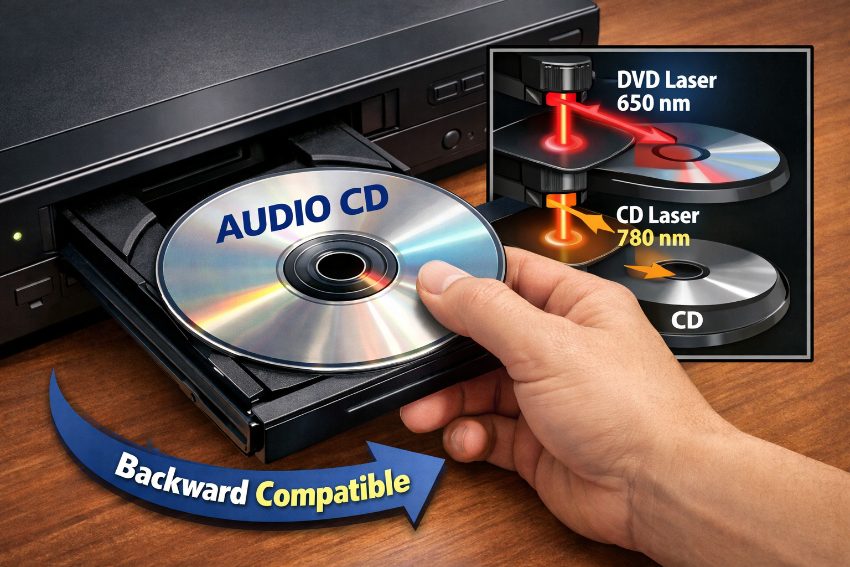
Modern home entertainment systems make it easy to display and share family videos preserved in common digital formats.
What Is an MP4 File and Why Do Most Devices Support It?
An MP4 file is often referred to as an MPEG-4 Video file. An MP4 file is a compressed media container file that holds a variety of different media, including video, images, audio files and even text-based files, such as subtitles. All of the individual video and audio elements within a movie or video are held within a single file that is then played back in its entirety as a single media file.
Our MP4 video movies will play back perfectly on your smartphone, tablet, PC or Smart TV. Our movies are designed to play back anywhere, anytime. All our movies are supplied complete with Subtitles, Chapter Markers and also have embedded Metadata within the video. This makes the movies fully accessible but also provides the viewer with the best possible viewing experience, regardless of the device being used to play back the movie.
"Forever Studios encodes every digitized video with archival-grade settings: H.264 at 8–10 Mbps for 1080p. This preserves fine detail and color accuracy for decades. Forever Studios tests playback across dozens of devices to ensure MP4 files remain accessible as technology evolves. Forever Studios Cloud stores videos with military-grade encryption and geographic redundancy, protecting memories from hardware failure, fire, or loss."
David Jacobs, Preservation Specialist, Forever Studios
Most MP4 movies are stored as H.264 video encoded MP4 files, this means they have been compressed from their raw state down to about half the original file size without compromising the video or audio quality. With this in mind, files of this format can be used for streaming across the internet, for sending between individuals via email, or storing on tiny devices with limited space available. This type of movie is supported on the iPod and on many mobile phones as movies stored as H.264 in MP4 format.
MP4 format works well for many multimedia applications, including online videos, movies, TV shows, music videos, and personal recordings.
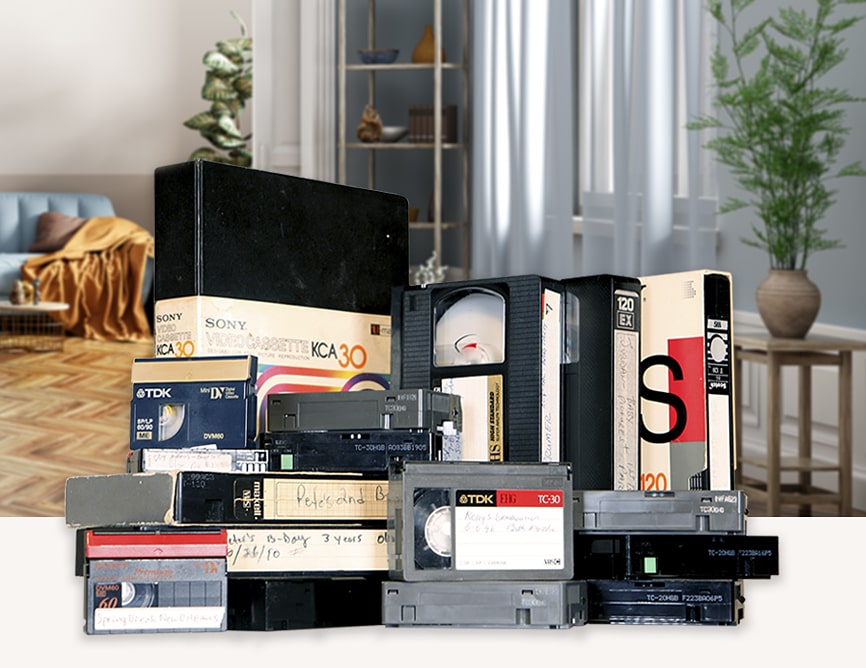
Many families encounter MP4 files while digitizing home movies from old tapes of VHS, camcorder, and 8mm film. If you have old home movies on tapes and are looking to transfer them to workable files on your modern devices, our VHS transfer service can deliver your files as preserved broadcast quality MP4 files that are stored in your Forever Studios Cloud.
Forever Studios · Boca Raton, FL
VHS Tape Transfer
We clean, repair, and digitize VHS and camcorder tapes, including flood-recovery cases.
GET STARTED →What Are the Steps to Create a High-Quality MP4 File?
At Forever Studios, we assist our customers daily in converting their tapes to MP4 files. Now, we'll guide you through the easiest process to achieve the best results:
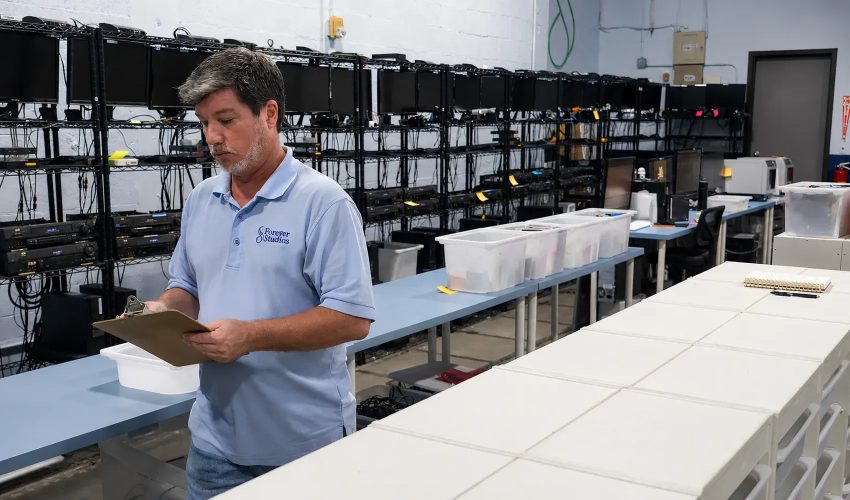
Maintaining consistent quality standards requires systematic verification throughout the media production workflow.
1. Select Your Media: You start by selecting the media for your movie which already exists in whatever form. This could be video, still images or even scanned or other digitized materials such as photographs or family treasures. The footage shot on a camera can be mixed with footage shot on your mobile phone. In many cases the starting point for a family movie as a Slideshow, will be photographs already taken by family members.
2. Select Video Editing Software: Choose software to import footage, arrange clips in the correct sequence, trim unwanted sections, and improve quality. Common programs include:
Free programs: Shotcut, DaVinci Resolve (Free Version), HitFilm Express, OpenShot.
Paid programs: Adobe Premiere Pro, Final Cut Pro (Mac users seeking advanced editing features).
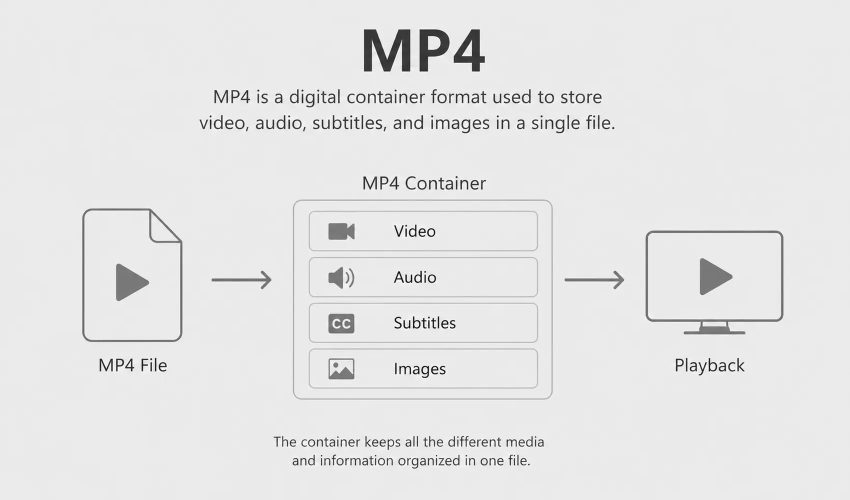
The MP4 format organizes multiple media types within a single file structure for efficient playback.
3. Import Footage: Launch the software and bring in the media files. Most software supports drag-and-drop into the media library.
4. Edit and Enhance: Add transitions, color correction, titles, and audio (music, narration, or original sound).
5. Export as MP4: In this step the whole composition is exported as a MP4 file. In the export / render dialog the container is set to MP4 and the codec to H.264. In addition the resolution for the archive (e.g. 1080p or 4K) as well as the corresponding bitrate (e.g. 5-10 Mbps for 1080p material) are set. After pressing the button “render” the composition is rendered and saved as a MP4 file.
How Do You Open and Play MP4 Files on Your Device?
To start playing MP4 files on Windows and Mac systems simply double click on the file. The file will then start playing with the default set media player. MP4 files on Windows platforms are played with Windows Media Player and on Mac platforms with QuickTime Player.
Don’t worry if the files do not open after they have been transferred. You can download VLC Media Player for free and install it. Then follow the instructions to change the file association for .mp4 files. Now you can play your files with the new software.
Which Codec Should You Choose for MP4 Quality and Compatibility?
Video codecs in MP4 files can have an impact on video quality, file size and playback on different platforms.
Efficient video codecs enable efficient compression of video material while maintaining a high amount of detail in the single images. An example of this is the H.264 codec which can reduce file size by 40–50 percent versus older codecs like MPEG-2 without visible quality loss. This matters for cloud storage of video, sending video by email as well as for storage on mobile devices with a limited amount of storage.
The support of a format on devices has to be considered when choosing a format. H.264 is supported by nearly 99% of all devices which have been released after 2010. This means that on for example older smartphones and smart TVs there won’t be any problems when playing back H.264 content.
We recently worked with a small business owner to create promotional videos for their brand. We tested the H.264, H.265 (HEVC), VP9 and AV1 codecs in this project.
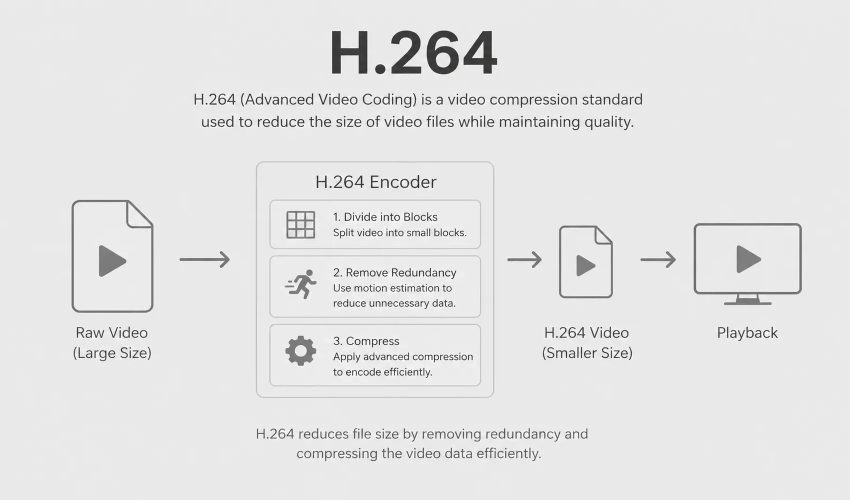
We recommended H.264. Its universal compatibility was decisive. The client planned to stream the videos on their website and social media. H.264's efficient compression enables smooth playback on slower connections (3–5 Mbps for 1080p HD) without buffering.
H.264 also reduced hosting and bandwidth costs compared to less-efficient codecs.
Forever Studios · Boca Raton, FL
VHS Tape Transfer
We clean, repair, and digitize VHS and camcorder tapes, including flood-recovery cases.
GET STARTED →How Does Compression Balance MP4 File Size and Quality?
The degree of image compression is a compromise between low file sizes for storage space on your computer and for easy sending via email and good image quality. Very low file sizes can have negative effects such as very harsh block edges, image softening, color banding and loss of all very small details.
At Forever Studios, our team utilizes specialized video compression techniques tailored to MP4 files, optimizing the quality of our clients' footage. As we offer Forever Studios Cloud, preserving your files became a priority, and we diligently worked to find the best compression method that maintains the high quality our clients rely on. Through careful adjustment of codec settings, including GOP structure and motion estimation, we ensure that the videos retain their captivating visuals and preserve every precious detail.
If you require a straightforward compression, you can depend on various online compression tools. Just search for an online compression tool that supports MP4 video files and choose the one that suits your needs.
Can I convert VHS tapes to MP4 myself?+
Yes, you can convert VHS tapes to MP4 using a video capture device connected to a VCR and computer. However, professional services like Forever Studios deliver superior results with broadcast-grade equipment, color correction, and audio restoration. We also store your digitized MP4 files securely in Forever Studios Cloud with encryption and permanent access from any device.
What bitrate should I use for archival-quality MP4 files?+
For archival-quality 1080p MP4 files, use a bitrate of 8–10 Mbps with H.264 codec. This preserves fine detail, color accuracy, and smooth motion without excessive file size. For 4K video, 20–30 Mbps is recommended. Lower bitrates (3–5 Mbps) work for streaming or web sharing but sacrifice detail. Forever Studios encodes all digitized videos at archival-grade settings to ensure your memories remain sharp and accessible for decades.
What Are the Best Practices to Protect and Preserve MP4 Files?
Backing up your video memories on an external hard drive as well as on a secure cloud storage platform is highly recommended. By saving your videos in different places, you will be prepared for any event and can recover your data quickly and easily if needed. For this purpose, we recommend using reliable storage solutions and taking good care of your devices in order to avoid physical damage as well as malware attacks.
Arrange files in clearly labeled folders for seamless organization and quick access. To maintain video quality, minimize unnecessary format conversions. Consider cloud backup options for additional protection and remote access. Recently, at Forever Studios, a family entrusted us with preserving their cherished home movies after experiencing a loss of their old hard discs. We digitized their old VHS tapes and preserved them securely in MP4 format on Forever Studios Cloud with encryption protection and permanent accessibility. Now, they can access their cherished memories on any device, offering unparalleled convenience and peace of mind.

Proper file organization and storage practices help ensure your digital video content remains accessible for future generations.
★★★★★
"Forever Studios is THE BEST KEPT SECRET around for reducing and preserving videotapes. They took twenty five year old PRICELESS movie cassettes of my children growing up and put them on a single stick at an affordable price. The talented and creative Forever Studios team has ideas to create meaningful personal Gifts and Keepsakes that your family will enjoy and treasure for years to come. We HIGHLY RECOMMEND Forever Studios!"
Lou, verified customer review
How Can Forever Studios Help With Your MP4 Digitization?
The MP4 file format remains widely popular for creating and preserving video files due to its accessibility, with numerous free software tools available online for easy conversion and optimization. We hope our detailed analysis has provided all the information you needed about MP4 video files. However, if you require professional assistance, Forever Studios boasts over 15 years of experience in video production and photography, ready to help with any MP4 video-related queries. For preserving your video memories or restoring old and damaged photos to perfection, visit our website and explore our passionate digitization services for photo albums, home videos, and movie reels.
If you have VHS tapes, 8mm film, or other analog media waiting to be digitized, Forever Studios will capture them as high-quality MP4 files and store them securely in Forever Studios Cloud. Visit our website to explore our digitization services for home videos, photo albums, and movie reels.

Ready to digitize it right the first time?
Bring your tapes, film, and photos to the team that treats every project as irreplaceable. All work is handled in-house in Boca Raton, never outsourced.