Can You Play CDs on a DVD Player? (Compatibility Explained)
Most DVD players can play audio CDs due to backward-compatible laser technology. Learn why compatibility works.
Contents
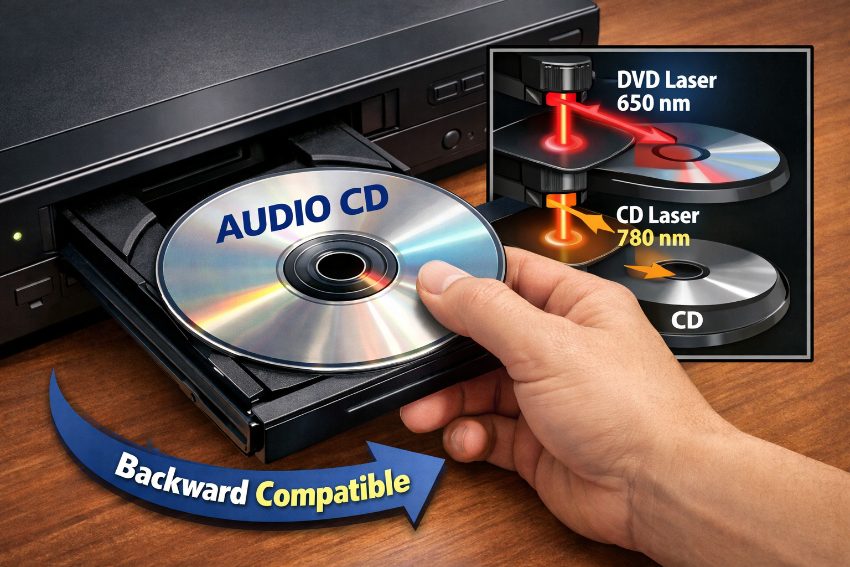
The majority of DVD players made after the late 1990s can also play normal audio CDs. The DVD player uses a dual-wavelength laser, focusing the laser down to very small data pits in the DVD, and larger pits in the audio CD. The player detects the type of disk that has been inserted and then focuses the laser to the correct size for that type of disk. Note that there are some older models, and some cheaper models, that do not support playback of CDs. Also, some types of CDs (such as CD-R and CD-RW) are not supported on some players. (Source: CD player - Wikipedia)
Most DVD players can read audio CDs using the same laser technology that reads DVDs.
Why Do DVD Players Support CD Playback?
Support for CD playback is inherent in the design of DVD players, because the technology used to read optical discs is essentially the same for both CD and DVD. The difference is in the data that is stored on the discs – the pits on a DVD are smaller than on a CD and require a shorter wavelength 650nm red laser to read them, whereas CD pits are larger and are read using a longer wavelength 780nm infrared laser. DVD players contain lasers that can be operated at both wavelengths in order to allow playback of CDs as well as DVDs. This was a deliberate design choice, because when the DVD format was launched there were already millions of audio CDs in households around the world, and so there was great value to consumers in being able to play back their existing CD collections using a single device, rather than having to purchase a separate CD player. (Source: Methods and Materials: CDs and DVDs | Ismail-Beigi Research Group)
What Types of Discs Can a Typical DVD Player Read?
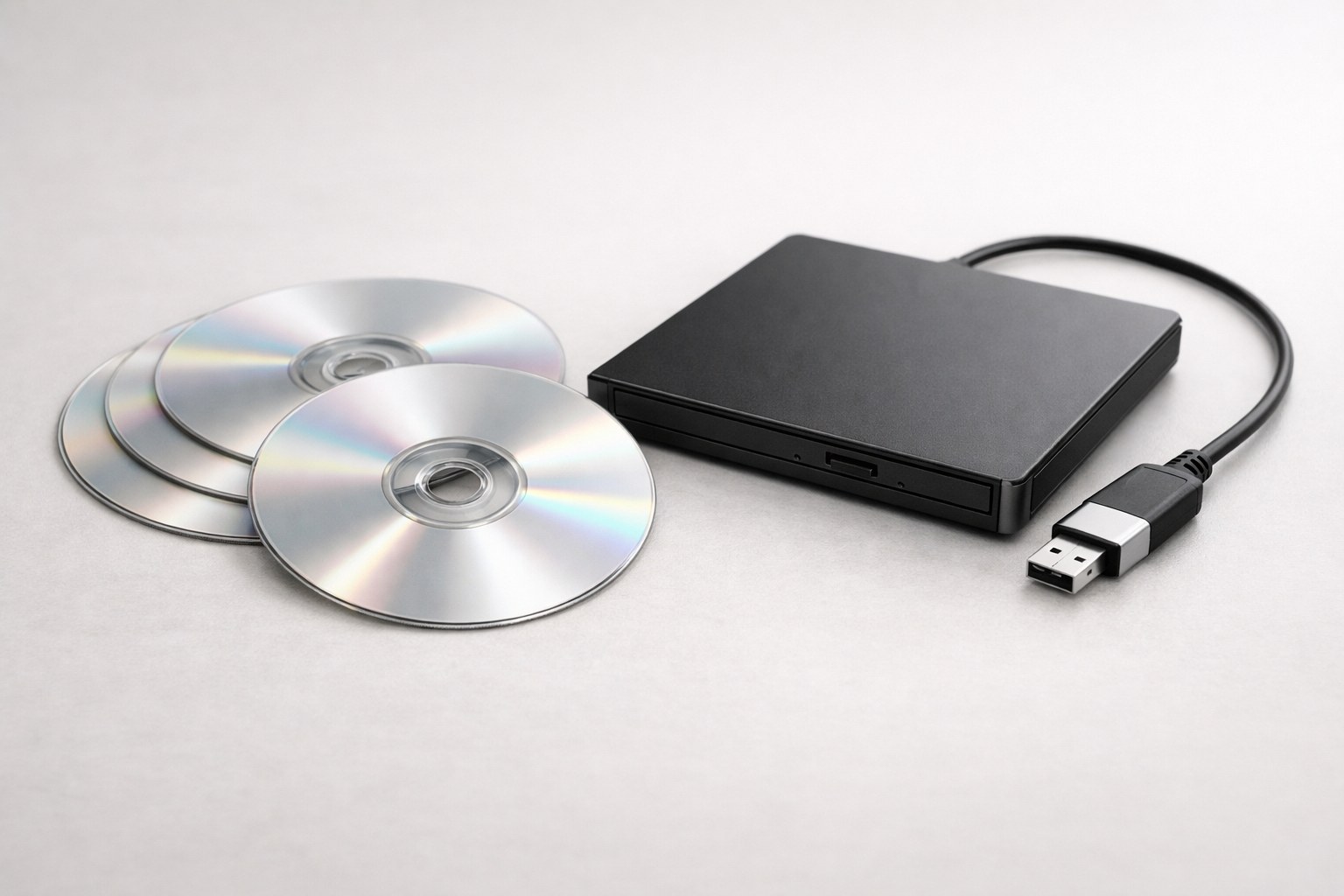
Standard audio CDs (CD-DA) play on most DVD players. Most DVD-Video titles also play on DVD players. In addition, many DVD players can play recordable CDs such as CD-R and CD-RW as well as write-once or rewritable DVDs such as DVD-R, DVD+R, DVD-RW, and DVD+RW. However, support for these types of discs can vary between brands and models. Lower reflectivity disc types such as CD-RW and DVD-RW may not play on some DVD players. Blu-ray disc titles and other high definition content require a laser operating at a different wavelength than conventional DVD players, and therefore will not play on them. Some data CDs are CD-ROMs, which may not play on DVD players unless they specifically support data disc playback. Some commercial CDs contain copy protection and are released in non-standard formats that are not intended to play on home computers or some CD and DVD players.
Forever Studios · Boca Raton, FL
DVD & CD Transfer
Home-burned DVDs and CDs copied to MP4 and MP3 before the discs rot.
LEARN MORE →Will a CD Sound Different on a DVD Player Compared to a Dedicated CD Player?
When playing an audio CD, sound quality is identical whether played on a DVD player or a CD player, given both are connected to identical audio components. As audio CDs are digital, they require a Digital to Analog converter (DAC) to transform the information stored on the disc into analog sound. Some differences can be experienced between players, DAC chips, power supplies and outputs, however these differences are generally subjective and fluctuate wildly from one model to the next. High-end CD players are packed with superior components, all designed to ensure the purest signal possible with the minimum amount of noise interference, but such differences are generally not detectable by average listeners using standard home entertainment equipment. Other factors that can influence sound quality are connections between the player and equipment such as composite Video connections as opposed to Digital connections via optical or coaxial. (Source: Digital-to-Analog Converter (DAC): Function & Benefits)
Can a CD Player Play DVDs?
No, you cannot play DVDs on a CD player. The laser used in CD players are designed to read the larger pit structures found on CDs, and they are not of a short enough wavelength to read the much smaller pits found on DVDs. Even if a CD player could somehow physically read the information from a DVD, it does not have the video decoding hardware, nor the MPEG-2 decompression circuitry to play DVD-Video information in the form of movies, etc. DVD players are backwards compatible with CDs, but there is no way for a CD player to play DVDs. In order to play both CDs and DVDs, you will need to use a DVD player. A Blu-ray player, on the other hand, can play all DVDs as well as CDs and Blu-ray discs. (Source: DVD Player for Windows98 that uses hardware MPEG-2 decoder? \ VOGONS)
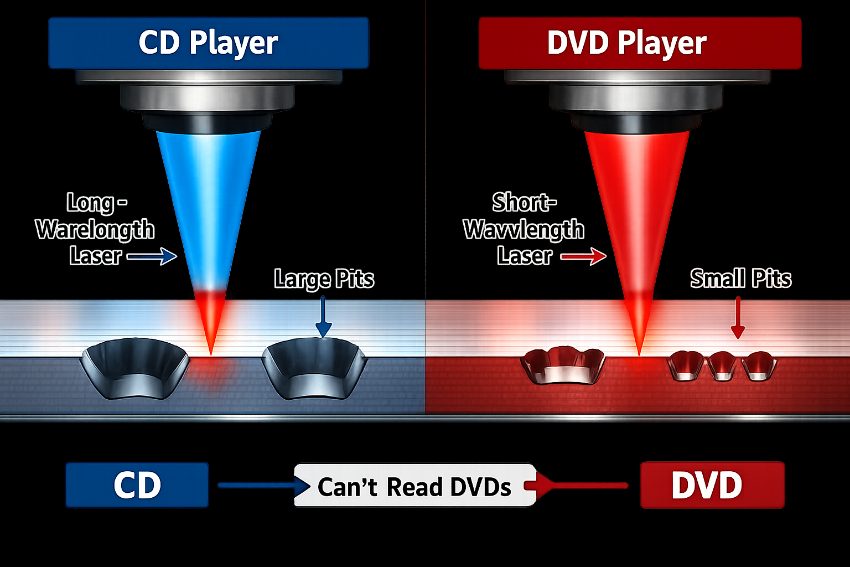
CDs have larger data pits than DVDs, requiring different laser wavelengths for playback.
Why Won't My DVD Player Play My CD?
If you cannot play a CD with your DVD player, it might be a problem with your CD, a problem with the format of the CD, or a limitation of your DVD player. First check your CD for scratches, dirty marks or even cracks. If your CD is dirty you can try to clean it with a soft cloth and wipe it from the middle to the edges. If your CD is a home-burned CD-R or CD-RW, your DVD player might not play it, because many older DVD players and even some newer ones do not support recordable CDs. Some commercial CDs are protected from copying and might cause problems with your DVD player. If you still have problems with playing a CD, it might be a problem with the laser of your DVD player, which might be dirty. Try to play a pressed CD by the manufacturer in order to see if the problem is with the disc or with your DVD player. If you cannot play several CDs, it might be time to clean your DVD player. If, after cleaning, your DVD player still does not play your CDs, it might need to be repaired. Forever Studios is able to repair scratched discs, which are damaged but whose data can be recovered.
Forever Studios · Boca Raton, FL
DVD & CD Transfer
Home-burned DVDs and CDs copied to MP4 and MP3 before the discs rot.
LEARN MORE →Do all DVD players play CDs?+
Playback of audio CDs is generally supported on modern DVD players, from late 1990s onwards. Pre-recorded CDs are generally playable on all models, whereas CD-R and CD-RW recordables can be problematic, especially on cheaper models, and as players get older.
Can I play a Blu-ray disc in a DVD player?+
To play Blu-ray content, Blu-ray players use a blue-violet laser with very short wavelengths. Standard DVD players cannot read Blu-ray discs because their laser is not capable of processing shorter wavelengths than that. In addition, conventional DVD players are not equipped with the necessary hardware to decompress Blu-ray video formats.
Will playing CDs in a DVD player damage the discs?+
Most DVD players read the disc through optical means and do not have to touch the disc to play it. If the DVD player is working properly then it will put no additional wear on the CD than it would receive in a dedicated CD player.
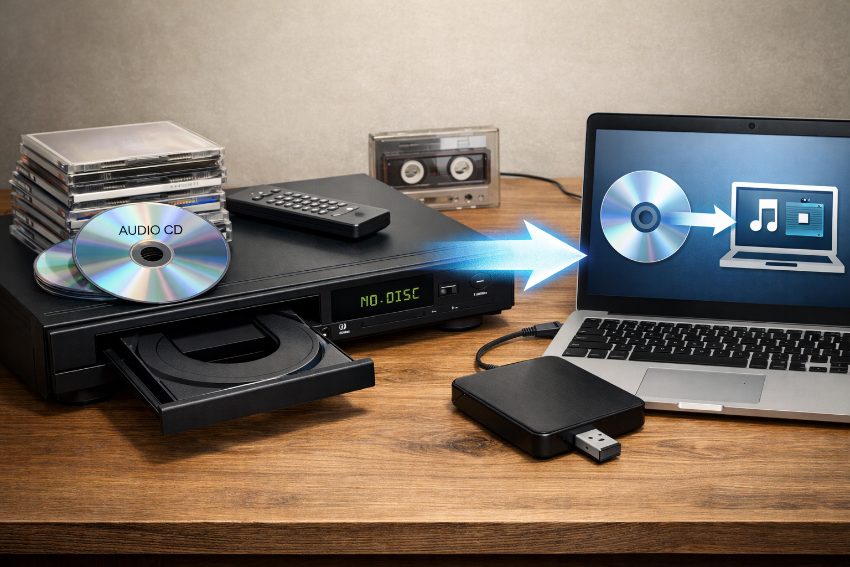
Digitizing aging CD collections preserves audio as hardware becomes obsolete.
★★★★★
"I have a cassette tape that I wanted to have converted to digital/cd for a very long time. Saw them on there website and thought “ What I’m I wanting for”. I’m happy I finally did it, pleased with the results. Thanks"
Jim H., verified customer review
Preserve Your CD Collection Before Players Disappear
Streaming services have largely replaced physical media, making DVD players and dedicated CD players increasingly scarce. CD collections often contain irreplaceable recordings, live performances, out-of-print albums, and personal compilations. Digitizing these discs protects the audio for future access. Forever Studios is a professional photo and video preservation studio in South Florida. The studio offers disc transfer services that convert CDs and other optical media to digital files for storage, sharing, and playback on any device. Discs may be scratched, aging, or at risk as hardware fails. Transferring them to a digital format keeps the music and memories accessible long after the last DVD player stops working.

Ready to digitize it right the first time?
Bring your tapes, film, and photos to the team that treats every project as irreplaceable. All work is handled in-house in Boca Raton, never outsourced.