Why Your Photos Fade & Yellow Over Time | Forever Studios
Convert your photos to digital and store them properly before they degrade over time.
Contents
Digitize Your Photos Today Before They Fade Tomorrow!
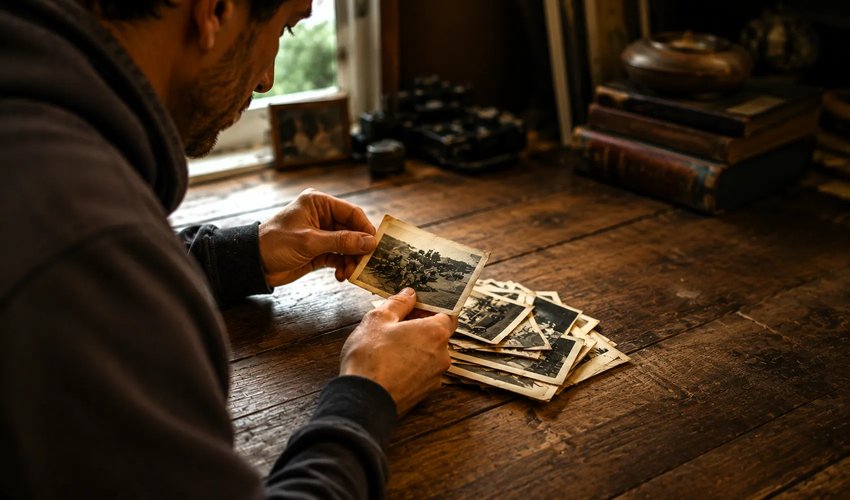
Have you recently noticed the old photograph you loved turned yellow and discolored over time? You may have thought that you were protecting it by storing it away inside. Maybe you even had it in a frame thinking that was helping preserve it. You would think that your frame would help with any of this yellowing and discoloration. What you might have not known is that certain frames may actually cause yellowing. For example a wooden frame would cause more yellowing than a metal picture frame due to certain chemicals.
Naturally occurring acidic materials will contribute to yellowing of an old photograph. Photos fade and discolor even if stored properly. One of the main culprits for yellowing are UV rays. Although, there are may toxins we don’t think about that can cause yellowing as well. Things such as smoke, dust and cleaning chemicals can all contribute to your photo degrading over time.
How Long Do Old Photographs Actually Last?
The lifespan of a printed photograph depends almost entirely on three factors: the print chemistry, the storage environment, and the framing or display conditions. Color prints made with chromogenic dyes typically show visible fading within 20 to 50 years of normal display, while black and white silver halide prints can survive 100 years or more under the same conditions, according to research by the Image Permanence Institute at the Rochester Institute of Technology.
Storage matters as much as chemistry. A photograph kept in a climate-controlled archive at 65°F and 30 percent humidity can outlast the same print displayed in a sunny South Florida living room by a factor of three or four times. The Library of Congress recommends storage temperatures below 70°F with humidity between 30 and 50 percent for maximum print longevity.
Do color photos fade faster than black and white?
Most color prints are more susceptible to fading than their black-and-white counterparts. Color images are made with three organic dyes: cyan, magenta and yellow. All organic dyes deteriorate with time and are affected by light. Of these three dyes, the yellow is generally the least stable. Thus, many color prints of the 1970s and 1980s have undergone a severe shift towards pink or orange. In contrast, well-made black-and-white prints of the 1950s continue to look as sharp as when they were first printed. Thus, the color prints in a collection are the ones that must be preserved first, as they are the most fragile.
What Speeds Up Photo Fading the Fastest?
Four conditions accelerate photo deterioration more than anything else:
- Direct sunlight or strong indoor light: UV exposure breaks down dye molecules in color prints and bleaches silver compounds in black and white prints.
- Heat above 75°F: Each 18°F rise in temperature roughly doubles the chemical reaction rate that causes fading.
- High humidity above 60 percent: Moisture accelerates chemical breakdown and creates conditions for mold growth, which permanently stains photographs.
- Contact with acidic materials: Wood pulp paper, certain adhesives, and many older album pages release acids that yellow and weaken prints from the back side.
This is why a photograph stored loose in a shoebox in a closet often survives better than one carefully framed and displayed on a sunny wall.
Why do old photos turn yellow and not just fade?
Fading and yellowing of prints are two separate issues that are happening at the same time in many cases. Fading refers to the loss of information in the print (dyes or silver halides) and yellowing refers to discoloration of the print caused by surrounding materials. The vast majority of yellowing is caused by acid in the paper, boards, album pages, etc. where the prints were stored. Inexpensive wood-pulp papers were often used for printing, as well as boards and album pages for the backing and storage of prints. In the past, adhesives were used for mounting photos, and these adhesives have degraded over time releasing staining compounds. In extreme cases, the yellowing can form a ‘halo’ around a photo that has been attached with photo tape, etc. As with all print degradation, the rate of change is affected by heat and humidity. Prints stored in warm, humid closets will deteriorate faster than those stored in cool, dry environments. Fortunately, in many cases, the yellowed print still contains the original information in the print, and this can be used for color correction to neutralize the print.
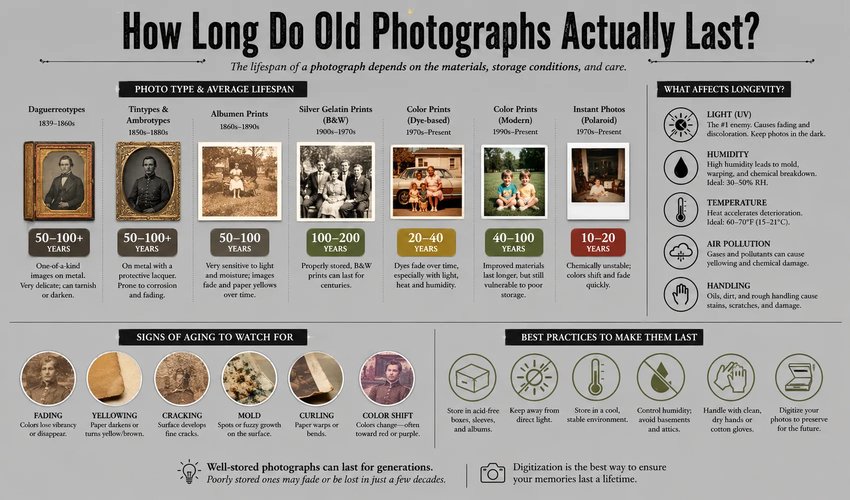
How light, humidity, and acids in paper and adhesives break a print down over time.
How can you tell a photo is actively deteriorating?
Typical indicators of deterioration in prints that can be detected before severe damage has occurred are changes in print color, brittleness or curl of the print surface, development of cracks along fold areas of the print, and silvery mirroring in dark areas of black and white prints (silver mirroring is an indication of the aging of the emulsion). If a print appears to be sticking to the glass of a frame it is an emergency situation. Gently removing the print from the frame may cause damage to the print surface. In all cases where any of these indicators are found it is advisable to make a digital image of the print as soon as possible to capture as much of the print detail as possible.
How to Slow Down or Stop Photo Fading
If your prints are not already showing visible damage, a few simple changes can extend their life significantly:
- Store in a cool, dry, dark location. A closet or drawer in an interior room beats a basement, attic, or garage every time.
- Use acid-free archival storage. Photo-safe sleeves, boxes, and albums marked "PAT" (Photographic Activity Test) certified are widely available.
- Display copies, not originals. Frame a high-resolution scan of the original and keep the original in archival storage. If you must display the original, use UV-filtered museum glass.
- Digitize while quality is still good. Once fading starts, restoration becomes much harder.
The best way to keep photos from fading is to digitize them as soon as possible. Having a digital copy will always allow your photos to keep their original form. If one of your photos has succumbed to yellowing and fading then you have the option to restore that photo. Photo restoration can correct these issues and have your photo looking brand new again.
Can a Faded or Yellowed Photo Be Restored?
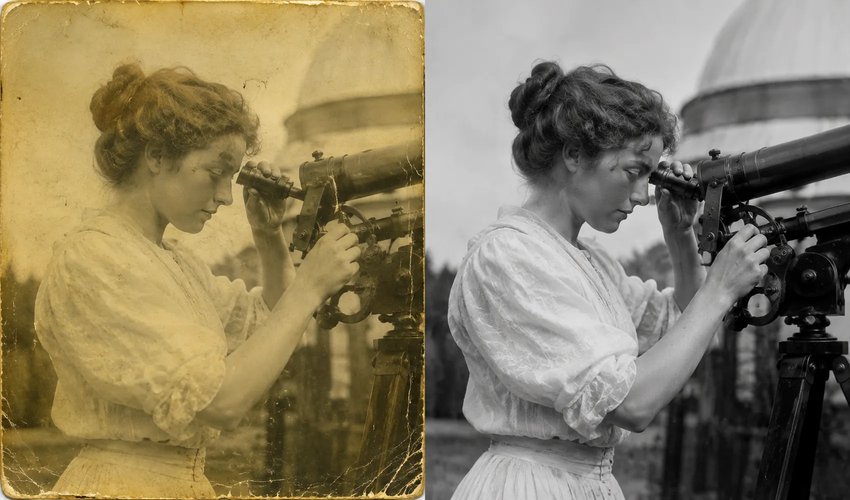
A yellowed print, before and after color correction and restoration.
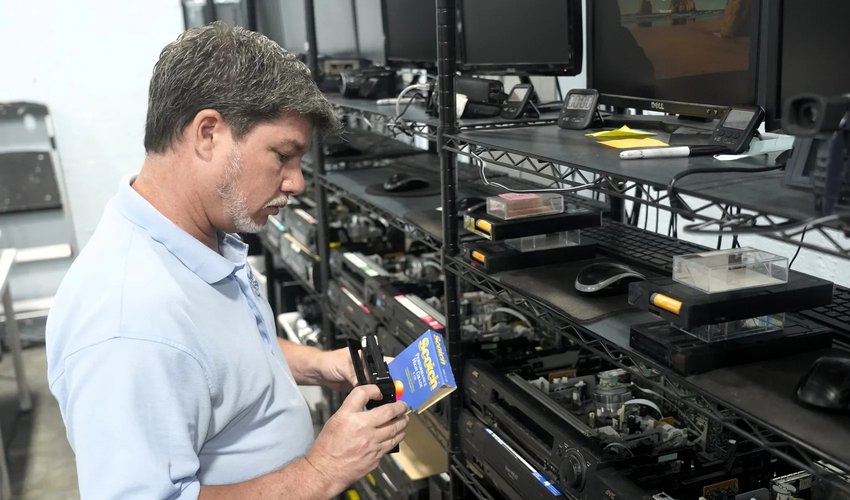
David Jacobs, Forever Studios.
"By the time a photo looks yellow, the image underneath is usually still there," says David Jacobs of Forever Studios. "We scan it first to lock in whatever detail is left, then our artists correct the color and the staining from the digital copy, where there is no risk to the original."
In most cases, yes. Professional photo restoration starts with a high-resolution scan of the original (typically 600 DPI for prints, higher for negatives and slides), followed by digital color correction, dust and scratch removal, and reconstruction of areas where dye loss has erased detail.
Mild fading is the easiest to reverse. Heavy chemical damage where image data is completely gone, like areas bleached to white or stained to dark brown, requires more interpretation by a trained artist. Forever Studios restores damaged or faded photos starting at $35 per image, with most jobs completed in two to four weeks. The original physical print is never altered. All work is done on the digital copy, so the original is returned exactly as you sent it.
Don’t let time take its toll on your special memories. If considering photo scanning, Forever Studios can help! Your photos can be digitized to preserve and made easily accessible to share with family and friends. If that one certain photo needs a little extra love, photo restoration is always a great option to help bring life back into your old photo! Have it looking brand new in just a few days by uploading it right to our website or mailing us your original photo.
What customers say
Forever Studios has restored faded and yellowed photos for families across the country, earning more than 3,100 five-star reviews across Google and Reviews.io. A few, in their own words:
“The only picture of my mom's parents was so faded you could not see any details or color. The new picture was fantastic. My grandparents looked just as I remembered them.”
Edward, verified Forever Studios customer ★★★★★
“Forever Studios did an amazing job restoring and colorizing a very faded and damaged family photo. I am extremely pleased.”
Barry, verified Forever Studios customer ★★★★★
“All I had was one old black and white faded photo of my grandparents. I never got to meet them, but your beautiful color reproduction brought me a step closer to them.”
Tom, verified Forever Studios customer ★★★★★
More are on the Forever Studios reviews page.
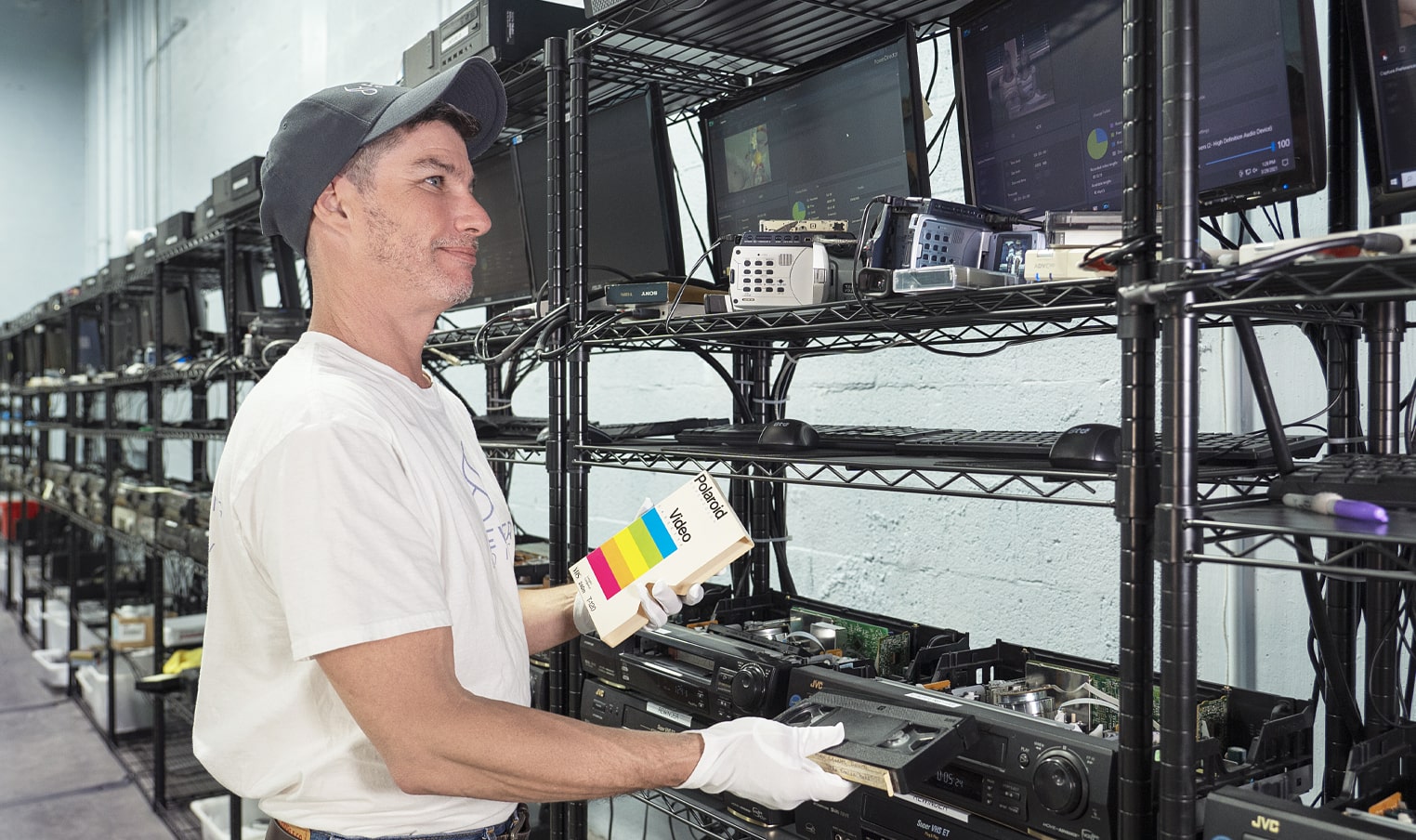
Ready to digitize it right the first time?
Bring your tapes, film, and photos to the team that treats every project as irreplaceable. All work is handled in-house in Boca Raton, never outsourced.