What is The Best Way to Restore a Photo in 2026?
Most photo restoration today is treated like a simple AI fix. Learn what actually determines whether a restored photo is correct, not just clean.
Contents
It's worth noting a recent trend in photo restoration where people have been opening up a graphics program, such as Canva or even the free app Picsart, importing in their hazy old photo and, in about 10 seconds flat, having an almost newly minted original. The best part: free! Unfortunately, this trick doesn't work as well for extremely faded, worn or damaged photographs. But for lightly blurred or hazy photos, it does the trick.
But there's a reason you're still reading.
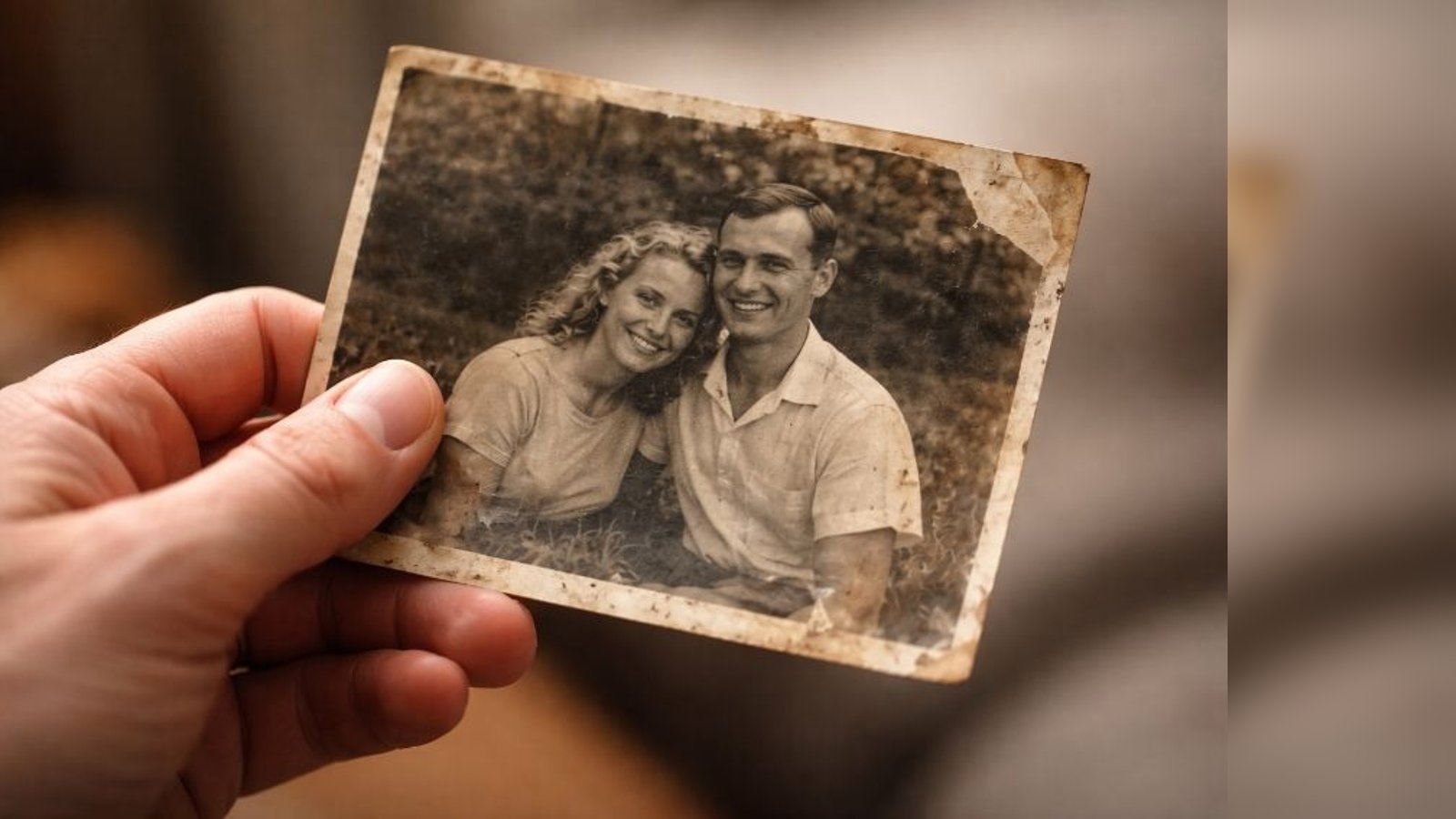
You probably already tried the quick version. Maybe the result looked sharper but the face didn't look right. Maybe the AI filled in a missing section with something that clearly wasn't there. Maybe the colors came back brighter but lost the warmth of the original. Or maybe the photo matters enough that "probably close" isn't an answer you're comfortable with.
That's the dividing line this article is really about: not whether AI restoration tools work, but whether they work well enough when accuracy actually matters.
What AI Photo Restoration Actually Does Well
Many people hesitate to dive into image restoration using AI tools because they assume they're entirely useless, but there are some real bright spots, especially in recent years. Canva and Adobe Photoshop are go-to options for image manipulation, and there are some up-and-coming applications worth knowing about too: Topaz Photo AI, Picsart, Fotor, and even Remini, which has become surprisingly capable at face and video frame enhancement.
AI can go a long way with surface edits, polishing images with light scratches, minor blur, and similar cosmetic issues. For an initial pass at exposure adjustments and basic cleanup on lightly aged photos, these tools save real time.
These filters work beautifully for images that are otherwise complete but look old for no apparent reason. Photos from the 1990s that have minor haze or fading, for example, can be noticeably improved in seconds with the right tool applied correctly.
Of course, the challenge runs deeper with anything more serious than surface wear.
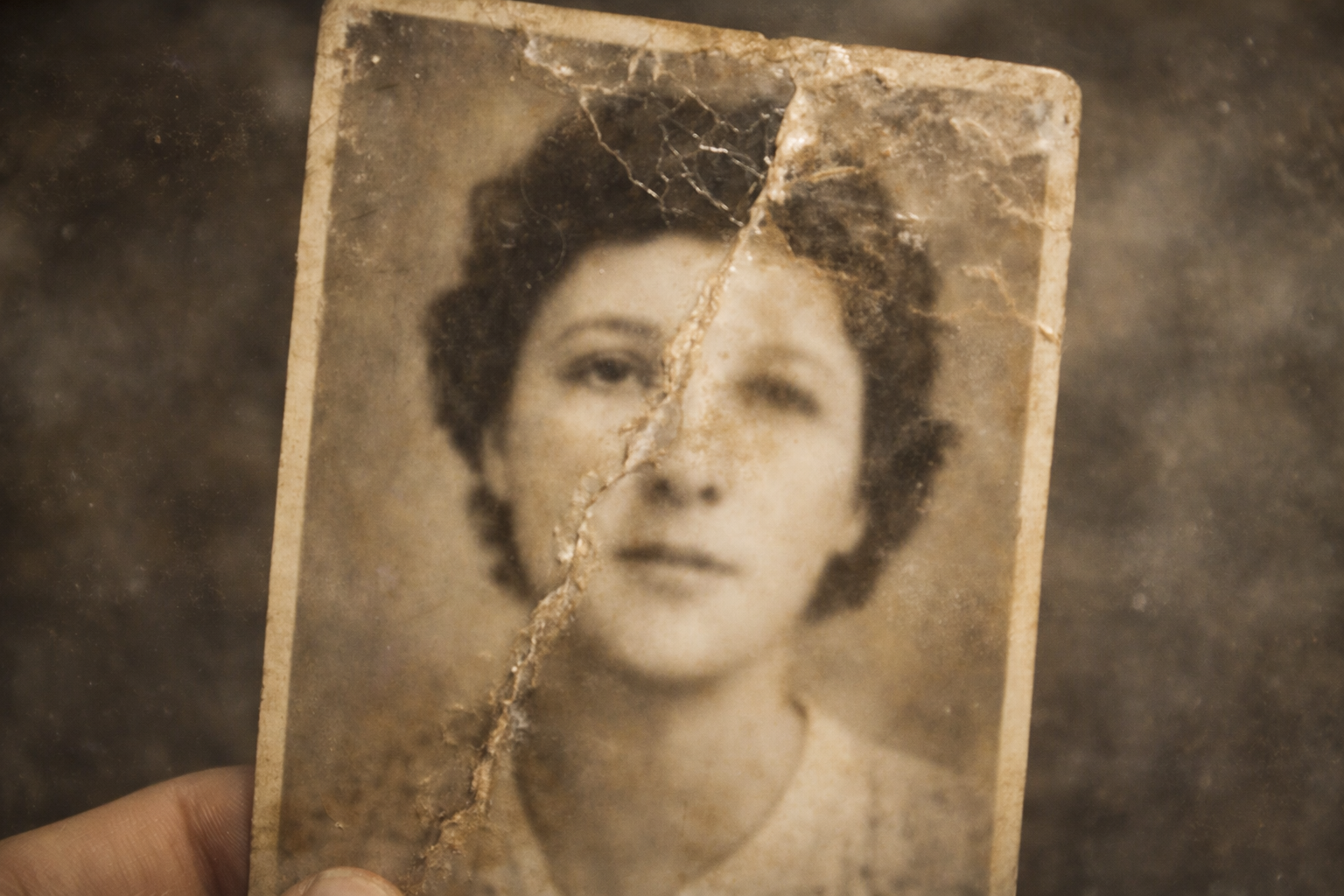
AI restoration tools handle light surface damage, minor fading, and simple sharpening reliably. It's when the damage gets deeper, especially in faces, that the limitations become apparent.
Where AI Restoration Consistently Falls Short
AI restoration tools work from probability. They analyze what's likely to belong in a given area based on patterns learned from millions of other images, which means they may generate content that doesn't actually exist in your photo. The distinction matters more than most people realize when they first start using these tools.
Here's where the results start to break down.
Faces With Significant Damage
AI is not foolproof when it comes to faces. When photos contain faces that are only partially visible, obscured by tears, folds, water damage, or heavy discoloration, the resulting reconstructions can be unsettling. The AI has been forced to recreate features by piecing together available information from other faces in its training data. The result is that eyes may end up in the wrong position, the jaw at the wrong angle, and the skin takes on an artificially smooth, uniform appearance. The person in the restored photo stops looking like your grandmother and starts looking like a generic AI-generated face.
Face loss is generally worse than face blur, because a model trained on face images is good at generating a plausible face, just not the right one. Even with a large training dataset, the model doesn't understand the nuances of that specific person's features. An image that looked acceptable with imperfect damage can turn significantly worse due to over-smoothing or over-guessing, which is particularly painful when the subject is someone the owner cares about deeply.
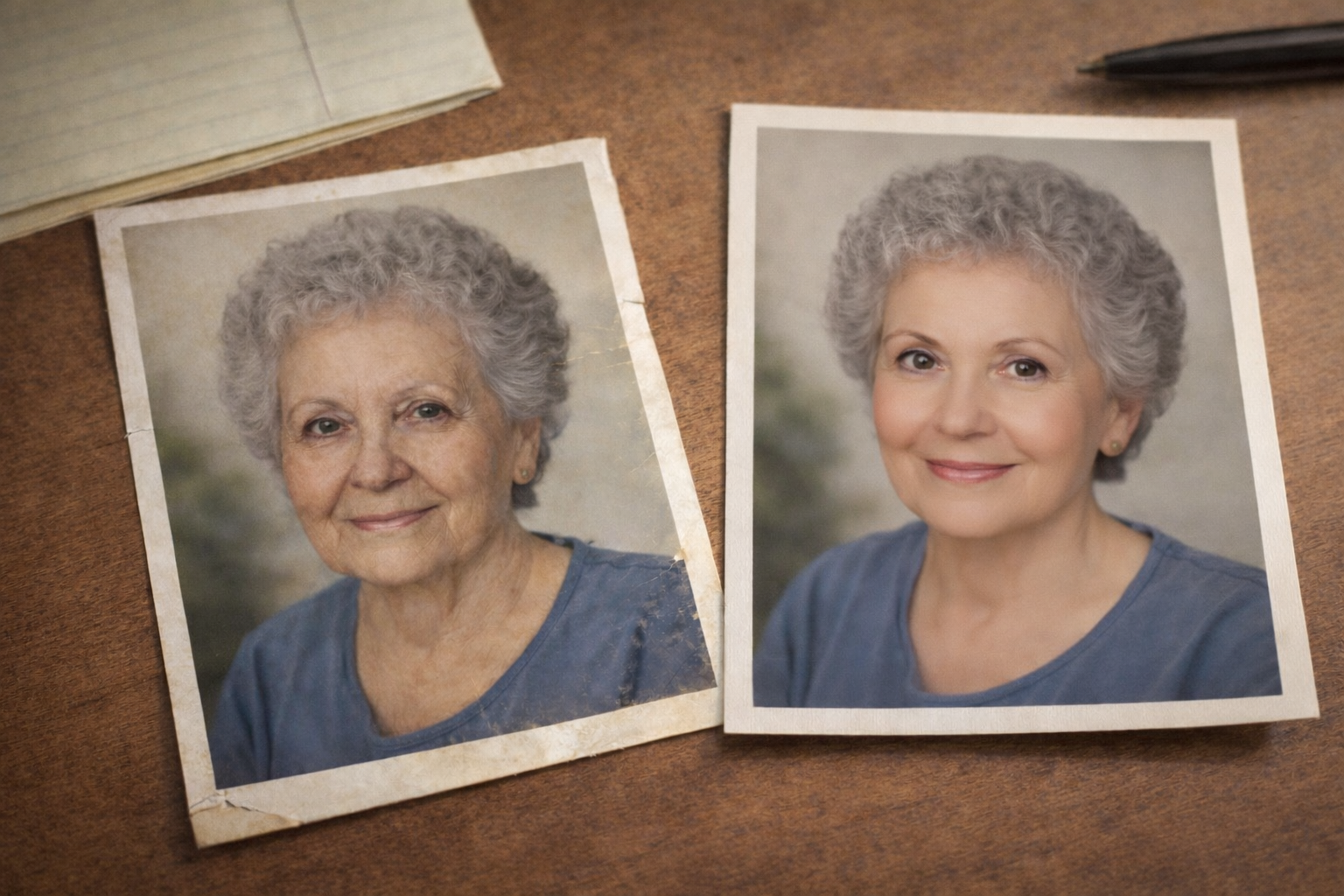
Does the finished image on the right look good in a technical sense? Yes, and most AI generated imagery these days does. But if this was your mother or grandmother, the fact that it no longer appears to be the same person is a pretty big deal. And no amount of AI prompt work is going to fix that very important problem.
"I had made multiple attempts to have a photo of my wife of 52 years restored. She died recently and every memory is very important to me. The other services just could not return the photo to its original quality. Forever Studios did. They accomplished this very quickly and impressively. The ability to review proofs and make requests for improvements was wonderful."
, Timothy ⭐⭐⭐⭐⭐ Verified Customer
Missing or Heavily Damaged Sections
The biggest problem with AI restoration emerges when there is simply no picture material left to go on. In cases where there is a torn corner, dissolved emulsion from water damage, or sections eaten away by mold, the program generates what it thinks is missing, which may look reasonable at a distance, but becomes obvious under closer inspection. The generated content lacks the correct texture, lighting angle, and often introduces details not present in the original photograph.
Professional restoration artists approach damaged photographs differently. They ask questions before touching the image: Are there other photos from around the same time? What was behind the subject in the original picture? Did the subject wear glasses? These simple inquiries can make a perfect restoration possible because the image gets reconstructed from verified facts rather than statistical guesses.
Olivia, Lead Restoration Artist: "The most important thing I do before touching any damaged image is ask questions. Are there other photos from the same collection? Does the family remember what the subject was wearing that day? What was in the background? The difference between a restoration that's accurate and one that just looks plausible almost always comes down to those details. Software can't ask questions, I can."
Color Accuracy on Pre-Digital Photographs
AI-powered color restoration tends to apply a generic "improved" look rather than an accurate one. A Kodachrome negative from 1962 and a cheap drugstore print from 1985 would likely receive the same over-sharpened, over-saturated treatment, which makes them look modern and clean, but not true to what they originally captured.
When working on professional color correction, the starting point is always what the correct colors and tones were for the subject matter, then working backward to the era, film stock, and printing process to produce something that looks right and is historically accurate at the same time.
Photos With Historical or Archival Significance
AI tools don't account for archival integrity when producing the "best" version of a photo. A model trained on millions of faces will alter a mole, hairline, or clothing pattern if it has a statistically more common version in its database. For a casual social media snapshot, that's fine. For a published family history, a memorial display, an obituary, or a document intended for legal use, that level of alteration is a serious problem.
The Tools Themselves: What Each One Does and Doesn't Do
For 2026, the question isn't just which AI tool exists, it's which ones are actually worth using for a given type of damage. Here's an honest breakdown of each major tool currently available.
Canva Photo Restoration, Free with a Canva account. Does a decent job removing signs of fading and minor wear, but cannot perform meaningful reconstruction. The interface is fast and easy to use. The biggest limitation is that there's very little control over what it changes, the program adjusts whatever it wants, for better or worse.
Adobe Photoshop (Neural Filters), Among the most powerful consumer-grade tools available. Requires a Creative Cloud subscription, but anyone can learn to use them with patience. The AI-powered filters are surprisingly good at retaining detail. Heavy facial damage may still look off, but for someone who knows Photoshop, this is the most capable consumer option.
Topaz Photo AI, Exceptional at sharpening, denoising, and upscaling. Makes a soft or low-resolution scan look dramatically sharper and clearer. It isn't a true restoration program, but applying Topaz before sending a photo to a professional restorer can significantly simplify the work, and may reduce the overall cost.
Picsart AI Photo Restoration, Free, very fast, and easy to use. Similar in capability to Canva for light touch-up work. As with Canva, it's not equipped for heavy or structural damage.
Remini, Very good at face enhancement for general purposes, and can work well at improving a low-resolution face in a small image. The important caveat: Remini will generate a new, sharpened face, it will look sharp, but it may not look like the original person. Use with extreme caution when likeness accuracy matters.
Fotor and other browser-based tools, Similar tier to Canva and Picsart, with varying quality depending on the specific tool. They handle minor touch-ups like removing light scratches or adjusting exposure adequately. For serious restoration work involving structural damage, none of these tools are equipped to handle it.
Every one of these tools does essentially the same thing: pattern matching on surface damage. They can all do light maintenance reasonably well. Where they all fall short is understanding what a specific image is actually supposed to look like.
What Professional Restoration Actually Involves
The reason professional photo restoration costs what it does, even when software tools seem capable, is that some restorations require more than software to complete correctly.
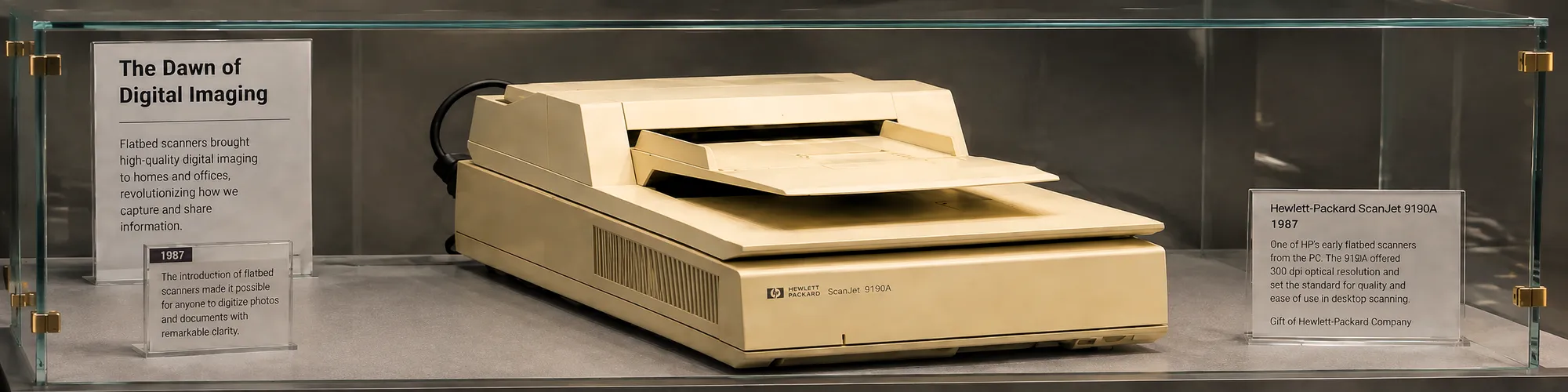
The process begins with high resolution scanning. Scanners capable of reproducing images at 600 DPI or greater capture detail that phone cameras and consumer scanners miss. This matters because there's more information locked in the original photograph than most people realize, and the quality of the scan determines how much of it can be recovered.
The first step after scanning is a full damage assessment, evaluating what information is available in the existing image and what needs to be reconstructed. This includes looking for reference material: other photos from the same time period, the client's description of the subject, information about the film stock used, and details about the original printing process.
All restorations are worked on using a combination of AI-powered tools and manual intervention. Uniform scratches are removed, exposure is adjusted where necessary, and initial noise reduction is applied. Then the restoration is reviewed and refined by an artist to properly reconstruct faces, correct colors, verify backgrounds, and restore as many accurate details as possible.
One significant difference from AI tools is the revision process. Once a professional restoration is delivered and something feels off, the eyes seem slightly wrong, the skin tone is too warm, the background doesn't look right, that can be described and corrected. An AI tool has no feedback loop. Once it generates output, that's the result.
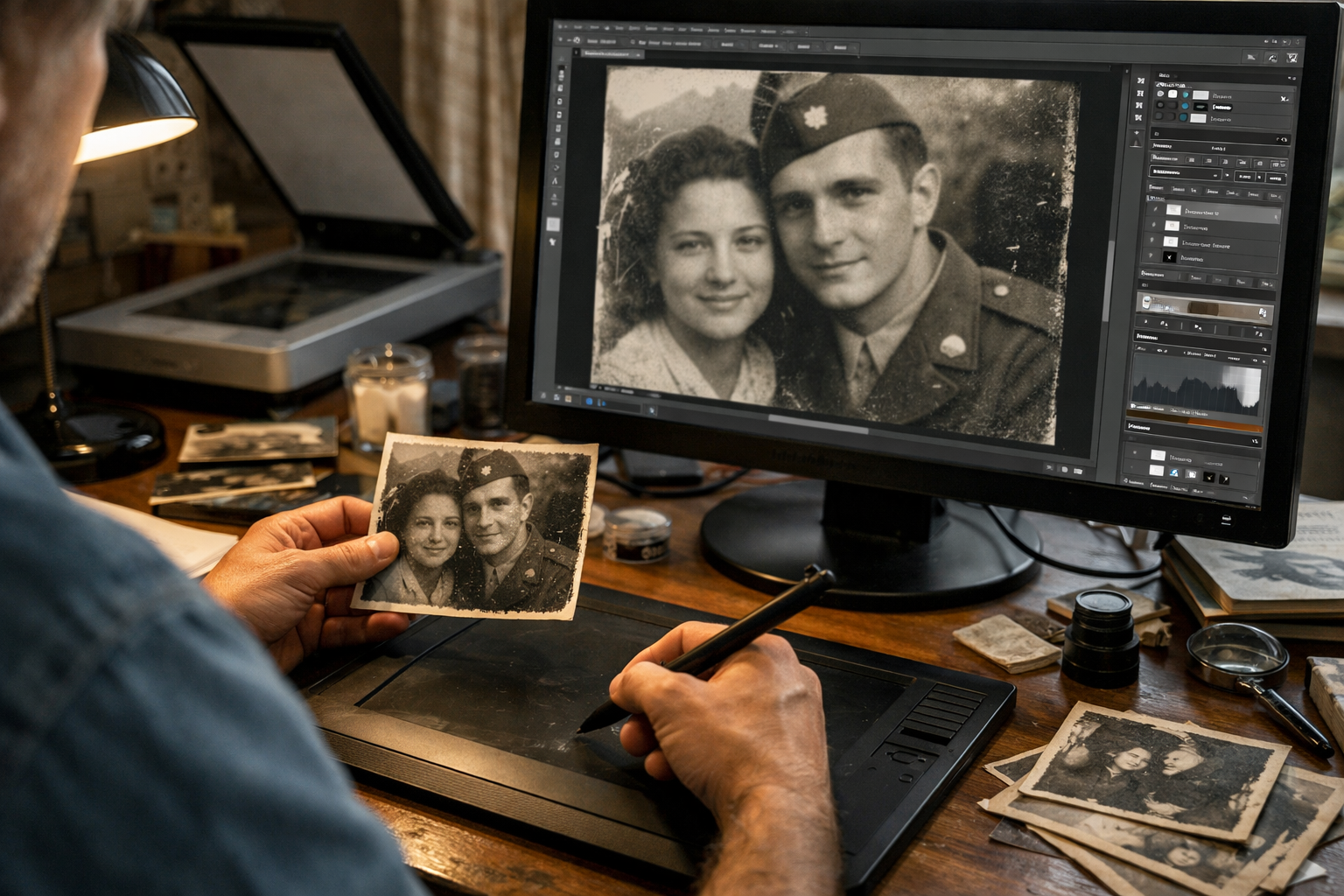
Even though professional photo restoration is becoming increasingly more "science" than "art" as technology improves, the human part of the equation is still responsible for some of the most important decisions made during the process.
"Working with Casey and Olivia on my most recent project was a great experience, they were pleasant and professional. Olivia, in one day, had a recreation of a 1913 photo of my grandmother as a baby being held by my great-grandmother. Highly recommend you trust this company with your photos."
, Sharon W. ⭐⭐⭐⭐⭐ Verified Customer
When to Use AI and When to Go Professional
The right approach depends entirely on what the photo means and what kind of damage it has. Here's a practical breakdown.
Use AI photo restoration when: The photo has some fading or minor loss of detail, but no missing sections and no tears in areas that matter. It's being prepared for a general collection alongside other lightly faded photos. Full restoration to original quality isn't required, a cleaner, sharper version is good enough.
Use professional photo restoration when: The photo has tears, water stains, rips, holes, fading, mold, or heavy creases that affect faces. The photo is a valuable family heirloom, a historical or archival document, or something with legal significance. Accurate color matters, not just improved appearance. An AI tool was already tried and the results weren't acceptable. There's only one copy, getting it wrong means losing the chance entirely.
Best practice hybrid approach: Use an AI program for a first round of cleaning, dust removal, initial sharpening, minor exposure correction, then send the output to a professional restorer for the final work that requires a human eye. This can reduce the professional's time and, in some cases, the overall cost.
Zachary J. Goldberg, Founder: "When someone sends us a photo, they're not just sending us a file, they're trusting us with something that can't be replaced. That changes how we approach the work. An AI tool optimizes for what looks right statistically. We're optimizing for what actually was. Those are very different goals."
The Cost Question
Free AI tools exist that can handle light photo restoration at no cost. Professional restoration ranges from $25 to $150 or more per photograph, depending on complexity and image size.
Cost-effectiveness depends entirely on the outcome. If the free option produces a good enough result, it's clearly the better financial choice. But if the face isn't corrected properly and the AI version ends up being the one that gets enlarged, printed, and shared with family, then the "free" version may end up being more costly in the ways that actually matter.
It's also worth noting the time cost involved with difficult restorations. Significant damage can require multiple rounds of AI processing, hours of manual Photoshop work, and several review iterations. Many people attempt their own restorations first, invest hours of work, and ultimately hire a professional anyway. For complex damage, starting with a professional from the beginning is often the faster and less frustrating route.
"All I can say is wow, you did an incredible job restoring my wife's damaged picture. We are truly amazed at the quality of your work. Thank you for going the extra mile to bring the photo back to its original state. It's rare these days to see a company that not only takes such pride in its work but also genuinely cares about its customers."
, Steve ⭐⭐⭐⭐⭐ Verified Customer
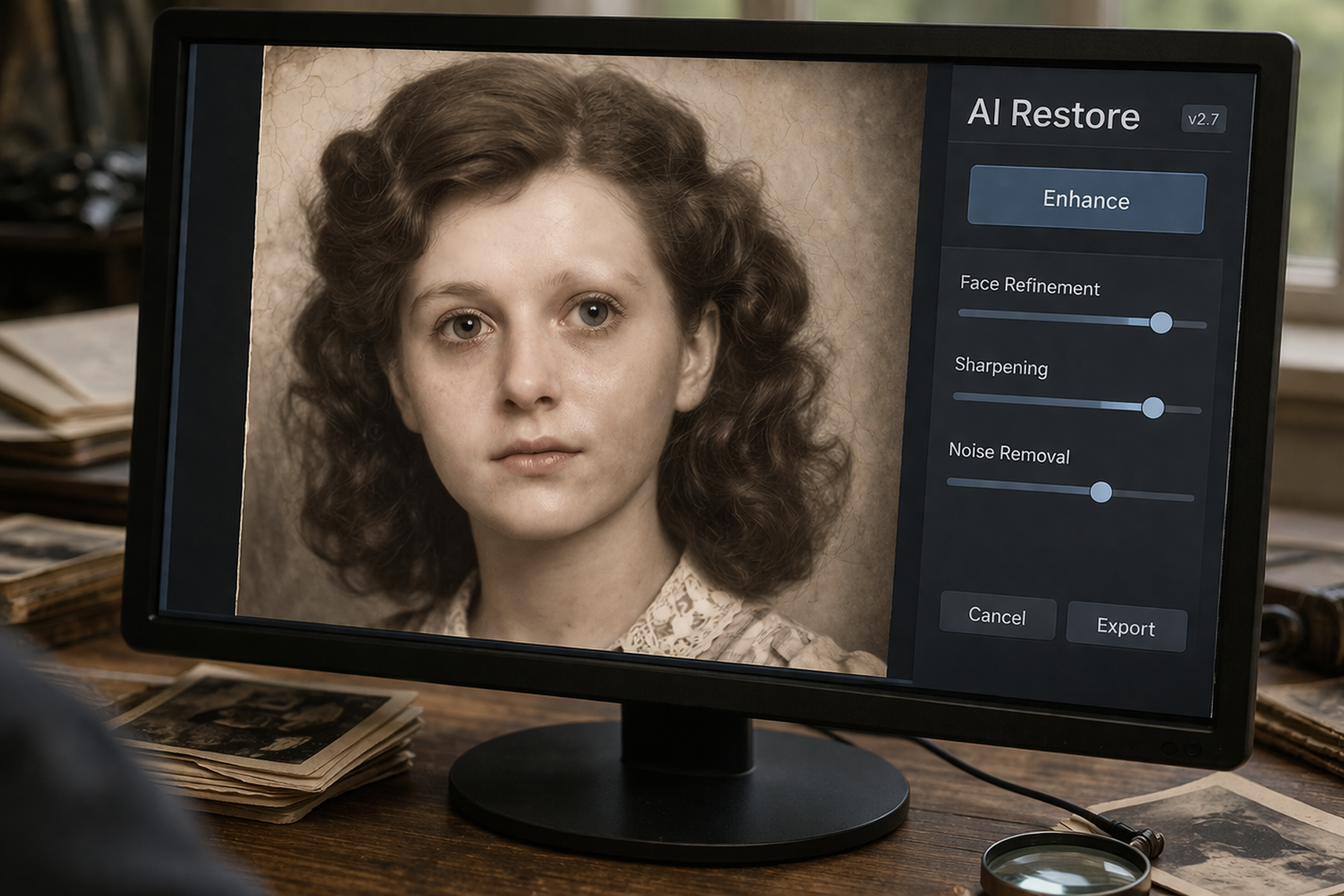
Here's a quick example of what it looks like when it's left to AI alone to fix a historical image. It might be able to clean up most of the image, but without clear references for the small details that make a person look right, the end result can be pretty uncanny looking.
Frequently Asked Questions
Is AI photo restoration as good as professional restoration?
For fading, light scratches, and minor exposure correction, AI tools produce quick and reasonably good results. Complex damage, missing faces, large sections gone, severe structural damage, requires a professional artist. AI has real limitations when it comes to accuracy, and only a human can make the right judgment calls on that kind of restoration work.
What is the best AI tool for photo restoration in 2026?
Adobe Photoshop Neural Filters offer the most control and highest quality of any consumer-grade AI solution currently available. For sharpening and upscaling specifically, Topaz Photo AI is hard to beat. Canva and Picsart offer simple touch-up editing and can handle small scratches or smudges quickly. For serious damage or facial reconstruction, none of these replace skilled professional restoration.
How much does professional photo restoration cost?
Professional photo restoration typically ranges from $25 for simple touch-up work, removing scratches or correcting fading, to $150 or more per image for extreme restoration involving heavy damage, face reconstruction, and colorization. Most studios offer tiered pricing based on the level of work required. See the Forever Studios photo restoration page for detailed pricing on specific types of damage.
Can AI restore a torn or water-damaged photo?
Current AI photo restoration tools are improving rapidly, but they work from statistical patterns rather than true object recognition. For small, low-impact damaged areas that don't involve faces, acceptable results are sometimes achievable. As the size of the damaged area increases, especially when the damage falls on a person's face, AI results become increasingly unreliable and can in some cases look worse than the damaged original.
Is it worth paying for photo restoration?
It depends on the photo and the damage. A slightly faded, lower-stakes photo can often be improved adequately with a free AI tool. A unique, damaged family portrait, especially one intended for display, wide distribution, or long-term archival storage, is a different situation entirely. When accuracy is paramount over speed, professional restoration is worth the investment.
How long does professional photo restoration take?
Restoration typically takes anywhere from 5 to 14 business days, depending on the extent of damage and current volume of work. Many providers also offer rush services for an additional fee. AI tools complete their processing in seconds, though the quality difference for complex damage explains the turnaround gap.
Making the Right Choice for Your Photos
The best approach to photo restoration in 2026 isn't choosing a side, it's understanding what each option is actually capable of.
AI is a powerful technology that has produced genuinely useful photo editing software. Noisy, lightly faded images from recent decades are no problem for these programs. But a 60-year-old photograph, worn and dimmed from age, is a whole different situation. The surface improvements available through AI tools simply don't address the deeper work that those photos require.
Historical photos deserve to be presented accurately, not just restored to a plausible-looking version and filed away as another digital copy. Care must be taken to verify details and make sure the photo receives the attention it deserves.
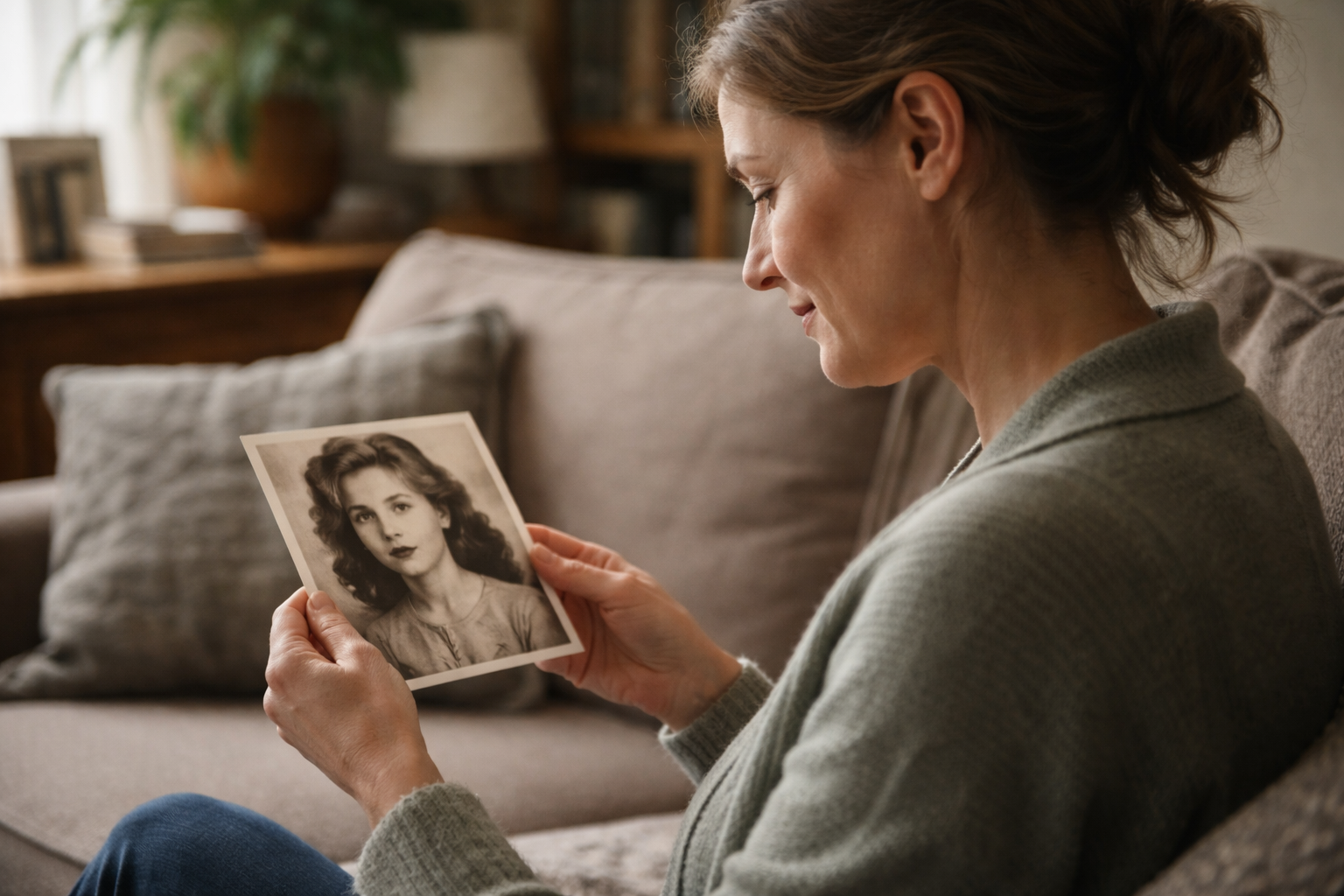
There's a certain unique sense of satisfaction that comes from receiving a really well-done photo restoration. It's a piece of your history after all.
The team at Forever Studios uses a combination of cutting-edge AI technology and artist expertise to restore photos to how they actually looked, not just how they probably looked. The restoration artist and the photo's owner review every iteration to make sure the final result is as accurate as possible. Only the original photo, and the people who remember it, can provide certain things that software simply can't.

Ready to digitize it right the first time?
Bring your tapes, film, and photos to the team that treats every project as irreplaceable. All work is handled in-house in Boca Raton, never outsourced.