What Families Ask Before Scanning a Lifetime of Photos: The 12 Questions That Reveal Whether Your Collection Is Ready
The 12 questions that determine if your photo collection is ready for scanning and what to address first.
1. Are Photos in Active Decay That Will Worsen with Handling?
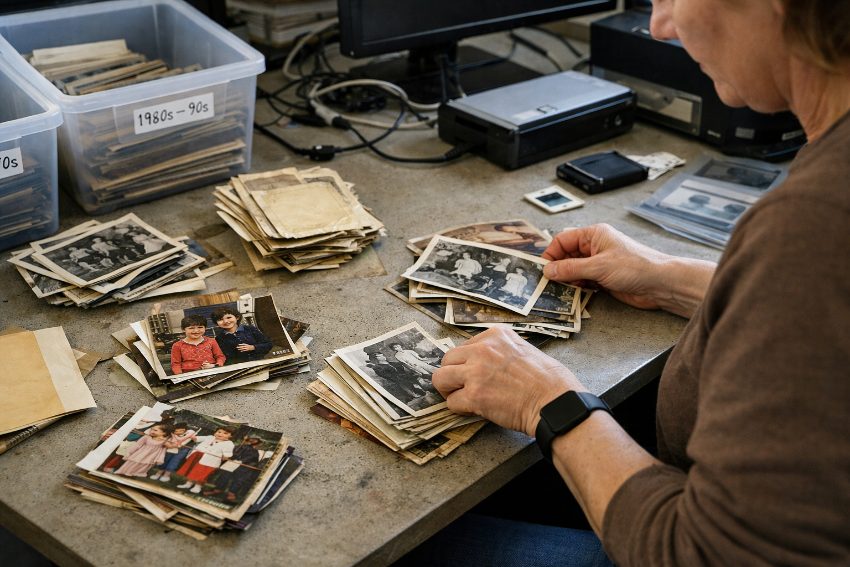
Assessment happens before the box gets packed: condition, organization level, and scanning priorities become visible during physical review.
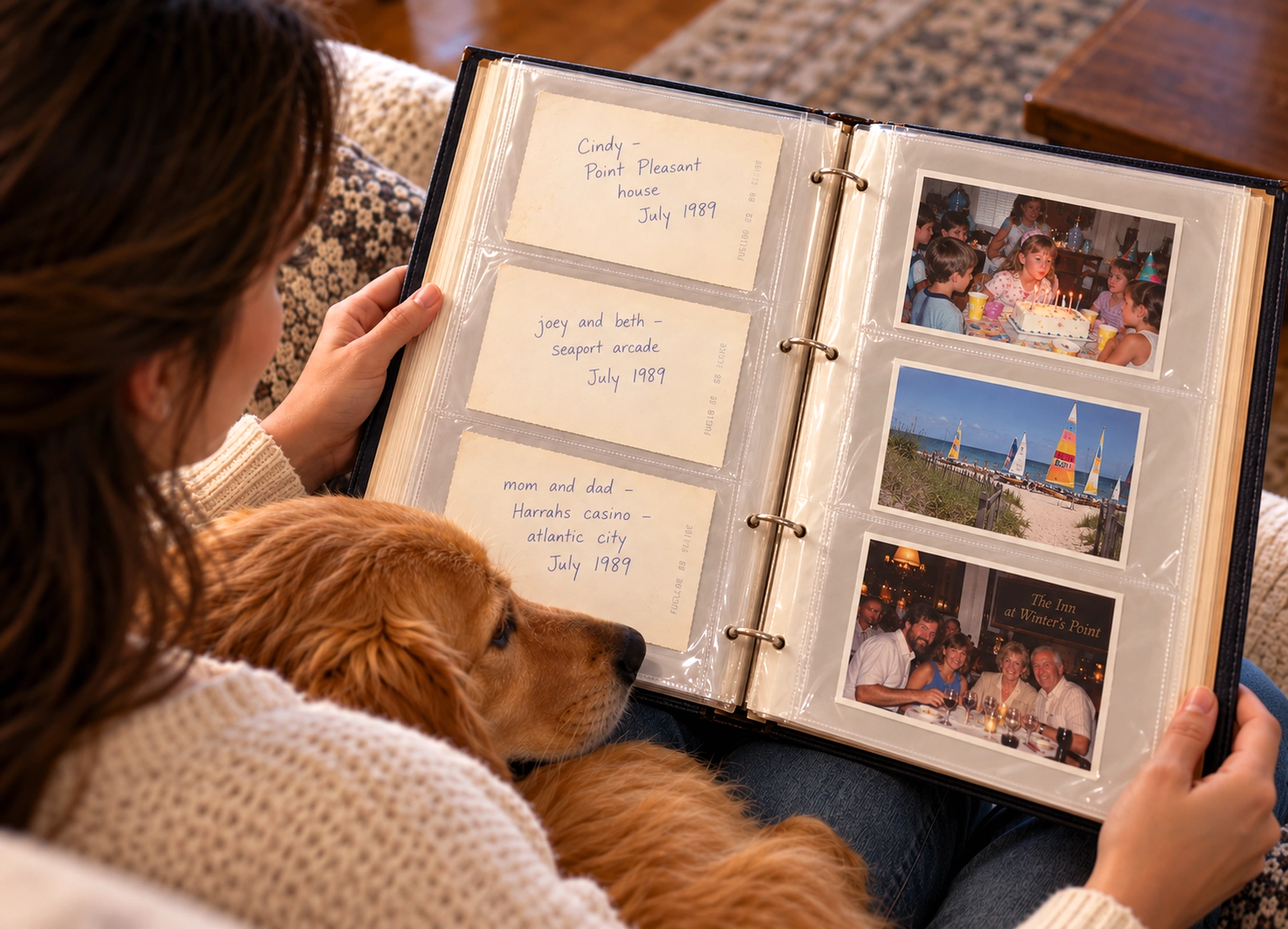
2. Are Photos Stuck in Magnetic Albums That Require Extraction First?
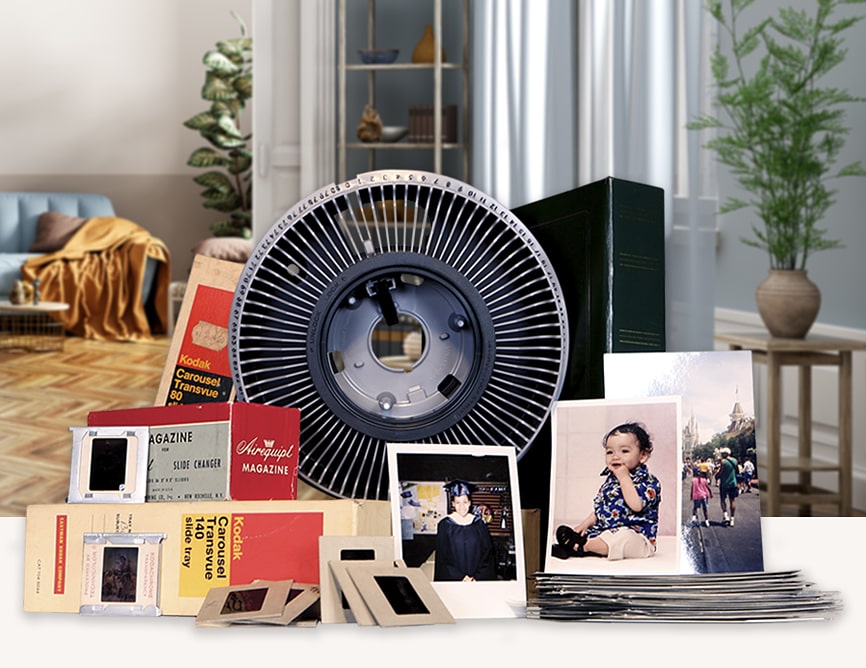
Magnetic photo albums from the 1970s–1990s can be difficult to digitize because the adhesive often hardens over time, causing photos to stick firmly to the pages and plastic covers. Trying to remove them can permanently damage the photographs.Because of this, many scanning companies will not remove photos from magnetic albums. Families generally have three options: carefully remove the photos themselves, hire a professional to remove them, or scan the entire album page with the photos still in place.Magnetic albums can also take much longer to process, so identifying them ahead of time is important when estimating the time and cost of digitizing an estate photo collection.
3. Which Photos Actually Matter Enough to Preserve?
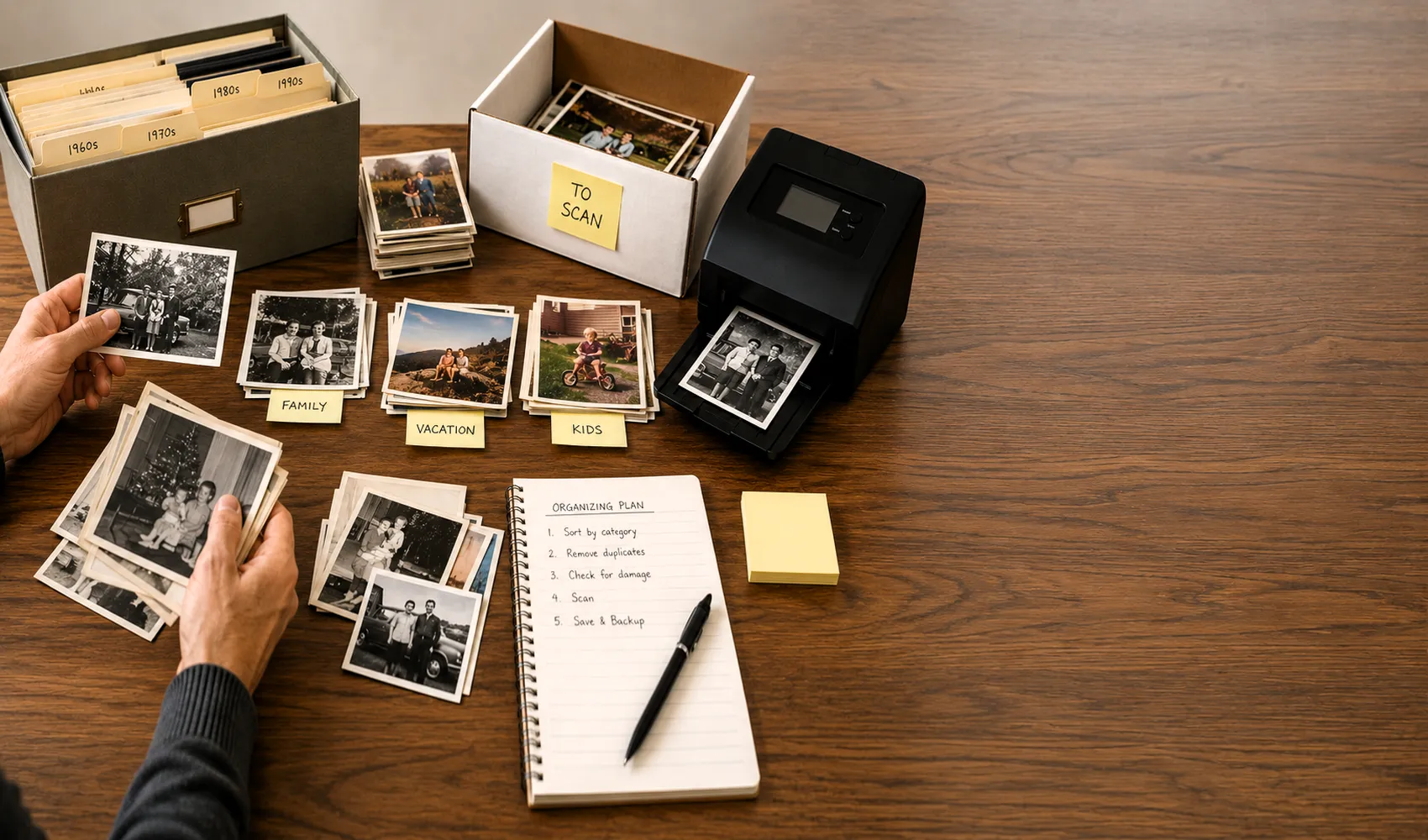
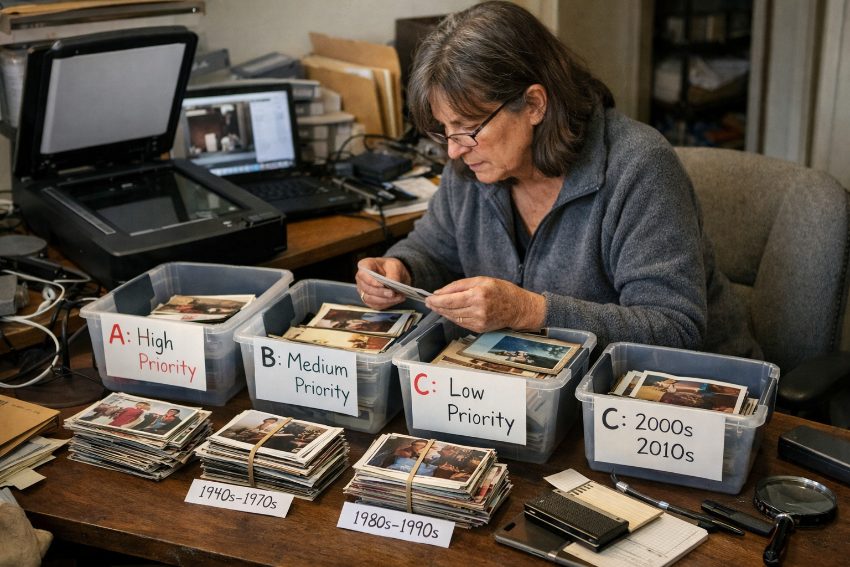
Most photo collections contain three categories: irreplaceable family documentation, duplicate drugstore prints, and mystery photos no living relative can identify. Families who skip the sorting step scan everything at equal priority and equal cost, then realize later that 40% of the digital files are unusable or meaningless. The sorting question isn't about perfection, it's about rough triage: A-pile (definitely preserve), B-pile (scan if cost allows), C-pile (discard or leave physical). This isn't aesthetics, it's information theory. If no one knows who's in the photo or why it was kept, its preservation value is near zero unless it's architecturally or historically significant. At Forever Studios, a professional photo scanning service, we see tighter editing correlate directly with higher client satisfaction because the digital archive reflects actual family memory, not archival completeness anxiety.
Forever Studios · Boca Raton, FL
Photo Scanning Service
High-resolution scanning for prints, albums, and loose photos.
LEARN MORE →4. What's Your Current Organization Level Before Scanning Starts?
Most collections fall into one of four categories: chronologically sorted and labeled, grouped by rough decade or event, separated by person or branch but not ordered, or complete chaos in shoeboxes. Each level determines preparation time and whether you need sorting as a separate pre-scanning step. Moving from chaos to rough chronological order takes 8-15 hours per thousand photos for someone unfamiliar with the collection. If you're already organized, scanning can start immediately. If you're not, the question becomes whether you organize before scanning (you control the sequence but invest significant time) or scan first and organize digitally later (faster to preservation but harder to create narrative structure). Neither is wrong; the error is assuming organization happens automatically during scanning.
5. Can You Separate Album-Mounted Photos from Loose Prints?
Most collections of photographs are dealt with as either albums or loose photographs and are charged at different rates. Pages from albums are normally flatbed processed, in the same order as they were mounted and one page at a time. Individual loose photographs are processed more quickly on sheet-fed equipment as part of a batch. Derspective needs sorting through before a quote can be given. Although many people describe their photographs as unmounted, this disguises the fact that when they are delivered in containers, 60% of the total volume of prints is album mounted. The consideration for sorting therefore also involves whether the user wants the photographs to be removed from the albums or if they need to be preserved in their bound format. Albums are processed as assembled units but, because of the inefficiency of processing flatbed pages one at a time, there is a cost penalty for keeping them together.
6. Does Physical Damage Need Repair Before or After Scanning?
This is the primary question of the realist/optimist. Inclusion of physical damage (such as tears, creases, fading, stains, missing corners, etc.) in scans will manifest in the scans exactly as they appear in the original. Remember, the function of scanning is to document what already exists at a high level of fidelity. The real question, therefore, is whether you want to document the damage in the scan and then restore it in digital form subsequently, or whether you want to physically restore the original first, and then scan it after it has been restored. It is highly common for photo restoration to be performed digitally after the original has been scanned – it is non-invasive to the original and is typically far more time efficient than restoring the original physically first. The process of photo restoration is offered by Forever Studios for $35 per image after the scan has been completed. Only in rare circumstances would physical restoration of original photographs before they can be scanned be advisable (as with a museum quality original that is to be exhibited). However, for virtually all family collections, it is best to scan first and then restore in digital form and then keep the originals untouched.
"Families consistently overestimate how organized their collections are and underestimate how many duplicates they have. The single most useful preparation step is the one almost no one does: sit down with the boxes for two hours and actually look at what's inside before calling anyone."
Zachary G., Preservation Specialist, Forever Studios, Forever Studios
7. How Many Photos Are in the Collection (Really)?
Our observations have found that families undercount their photo holdings by as much as 40-60%. While it may seem counterintuitive, a few small shoeboxes can hold 800-1,200 photos. What seems to be 500-600 plus a few albums can actually hold 1,500-1,600 photos. Understanding how many photos are in a collection and how they are distributed allows for the creation of a proper scope of work, a realistic timeline, and accurate cost for a digitization project. Once you have gone through one container thoroughly and know how many photos are in it, you can use that number to estimate the number of photos in similar containers. Using the example of the small shoebox with 180 photos, if you have seven similar containers, then your collection contains approximately 1,260 photos. Also, by viewing your collection by decade, you can see that most family collections have a very high concentration of photos within a 15 year span of the child’s life and then gradually decrease as the child grows up. This data can help you to decide whether to go through the entire collection before starting to digitize the photos, or if you can start with the highest concentrations of photos first.
Forever Studios · Boca Raton, FL
Photo Scanning Service
High-resolution scanning for prints, albums, and loose photos.
LEARN MORE →8. What Scanning Resolution Do You Actually Need?
Resolution choice exposes the gap between what sounds impressive and what's functionally useful. Higher resolution captures more detail but creates larger files, slower transfer speeds, and more storage cost. For most family prints (4x6 or 5x7 drugstore photos), 300 DPI produces a digital file suitable for screen viewing and reprints up to the original size. The Image Permanence Institute research on photograph detail retention shows diminishing returns above 600 DPI for standard prints unless you're capturing slides or negatives. At Forever Studios, photo scanning starts at 50¢ per photo at 300 DPI, with 600 DPI available at 70¢ per photo for images where fine texture or future large-format printing matters. The readiness question: have you looked at sample scans at both resolutions to see whether the difference justifies the cost and file size for your specific collection? Most families choose 300 DPI after seeing comparison files because the quality difference at normal viewing sizes is minimal.
9. Who Needs File Access and How Will Distribution Work?
What delivery format works best for multi-family access?+
For solo use, a USB drive suffices. For siblings, adult children, or extended family in other states, plan file sharing before scanning starts. Physical delivery to each recipient works for small groups. Online sharing systems work for larger, distributed families. The scanning accommodates either structure; the workflow fails when families assume they can decide distribution method after receiving files.
Should files be distributed as a single master archive or as subsets for each family member?+
Decide the distribution structure before scanning begins. A single master archive organized one way works when everyone accesses the same files and follows the same organizational scheme. Subsets, pre-divided for specific family members, work when different branches need only portions of the collection. Families that ignore this question spend weeks reorganizing scanned files after delivery because the distribution method was never planned.
10. Is There a Real Deadline or Just General Preservation Anxiety?
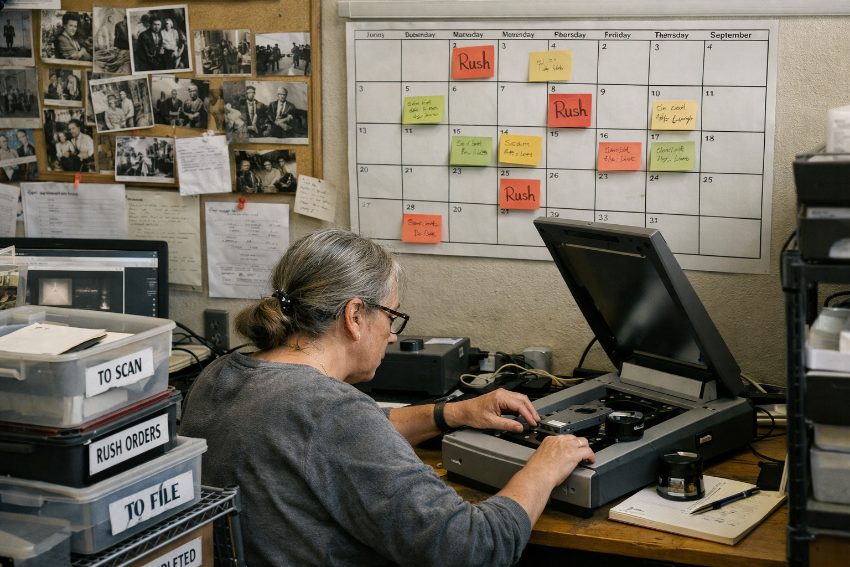
"xxx ASAP" = anxiety. Are there any forcing functions (e.g. an estate settlement, an aging parent, a family event)? For general preservation, when is the actual deadline? Will you need rush processing, or will you have time to sort and organize first? Will you scan a critical subset first and then go back for the rest, or will you just scan the whole thing and deal with the organizational aftermath? Two failure modes here: families who rush through the process without taking the time to go through the necessary steps to prepare the materials, and families who put off the task for so long that the scope of the project seems too large to tackle. A middle ground is to identify the 20% of your collection that contains 80% of the emotional significance and begin to prepare that first. Typical turnaround for Forever Studios’ typical projects is 2-3 weeks. Rush processing is available for true deadlines.
11. Can You Verify Where Originals Go During the Scanning Process?
Families ask this question late; they should ask it first. When you hand over irreplaceable photos, where do they physically go and who touches them? Mail-away services ship originals across the country; boxes get lost, arrive damaged, or sit in warehouses waiting for batch processing. The verifiable difference: services where originals never leave the facility you hand them to, with direct custody from intake to return. At Forever Studios, originals never leave our Boca Raton building. You hand the box to the person scanning it, the work happens in that building, you pick it up or it ships insured from that address. The readiness question: have you confirmed the physical path your photos will take, not just the company's marketing description of their process? If you can't get a straight answer about whether originals leave the intake facility, that's your answer.
★★★★★
"For the past year, I’ve been tackling the chore of purging, organizing and digitizing photos from our pre-digital life. Forever Studios has made the digitizing part of the easy! I still have the hard part of organizing them on my computer, but at least I don’t have to sit at a scanner for thousands of photos. Forever Studios makes shipping smooth & they keep me updated along the entire process. While I would be even happier with a less costly and less frilly flash drive, it’s nice to have. I recommend Forever Studios whole heartedly."
Holly, verified customer review
12. What Happens to Physical Originals After Digitization?
Digitization doesn't make physical photos obsolete, it makes them redundant. Most families keep both: originals in archival storage, digital files as the access copy. Photos in advanced deterioration may have scans as the only rescue option, with originals holding no remaining display value. Decide before scanning whether you're preserving the originals long-term (requiring archival storage planning) or whether scanning is the final act before responsible disposal of the physical artifacts. This affects how you pack the collection, whether you need everything returned, and what your total project scope includes beyond scanning. The American Institute for Conservation guidelines recommend archival storage for any photograph you're investing in scanning, but many families scan specifically because they lack storage space or climate control. Know which situation you're in, because it changes what "finished" means.
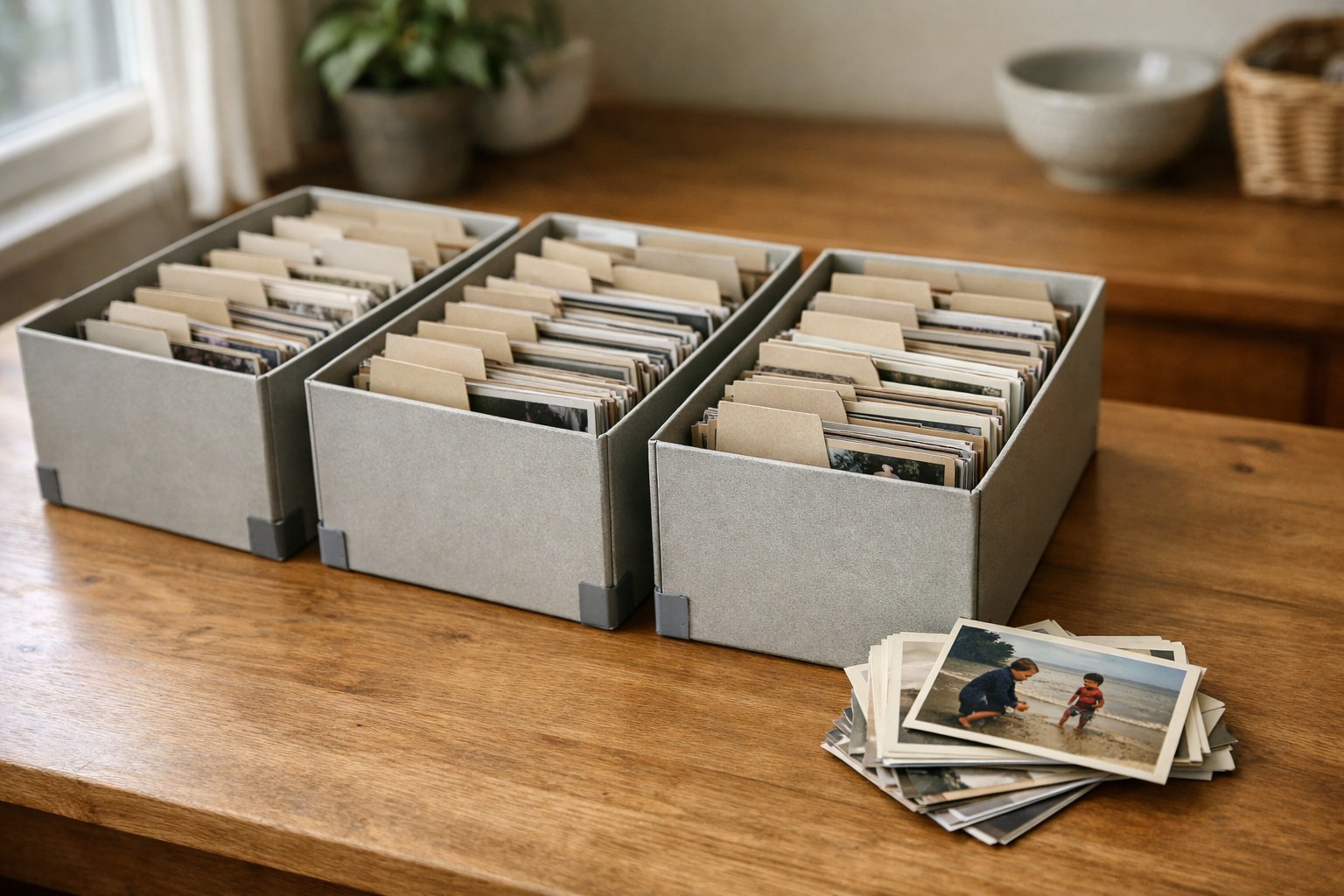
Preparation complete: sorted, separated by media type, duplicates removed, and packed for secure transit to scanning.
Ready to digitize it right the first time?
Bring your tapes, film, and photos to the team that treats every project as irreplaceable. All work is handled in-house in Boca Raton, never outsourced.