How to Organize Hundreds of Old Family Photos Before Scanning
A step-by-step guide from a professional preservation studio
Contents
By Zachary Goldberg, Founder, Forever Studios
Last updated: May 2026
Before sending a collection to us for scanning, most people ask some version of the same question: "Should I do anything to prepare?" The answer is yes, not a lot but the right preparation makes a real difference. An unsorted, unlabeled box of photos takes longer to scan, costs more to process, and often comes back with files that are hard to use. An hour of organizing at the front end saves confusion later and helps you get scans you will actually share and enjoy.
Here's how to do it, in the order that works best.
Quick Answer
- Gather all photos from every drawer, album, and box in the house into one pile.
- Sort into 3 to 5 rough era-based groups. You don't need exact dates.
- Cull duplicates and blurry prints before paying to scan them.
- Identify people while older relatives are still available to help. Write names on the back in soft pencil.
- Group photos into labeled paper envelopes by era or event.
- Tell your scanning service how you want files organized and what output format you need before you ship.
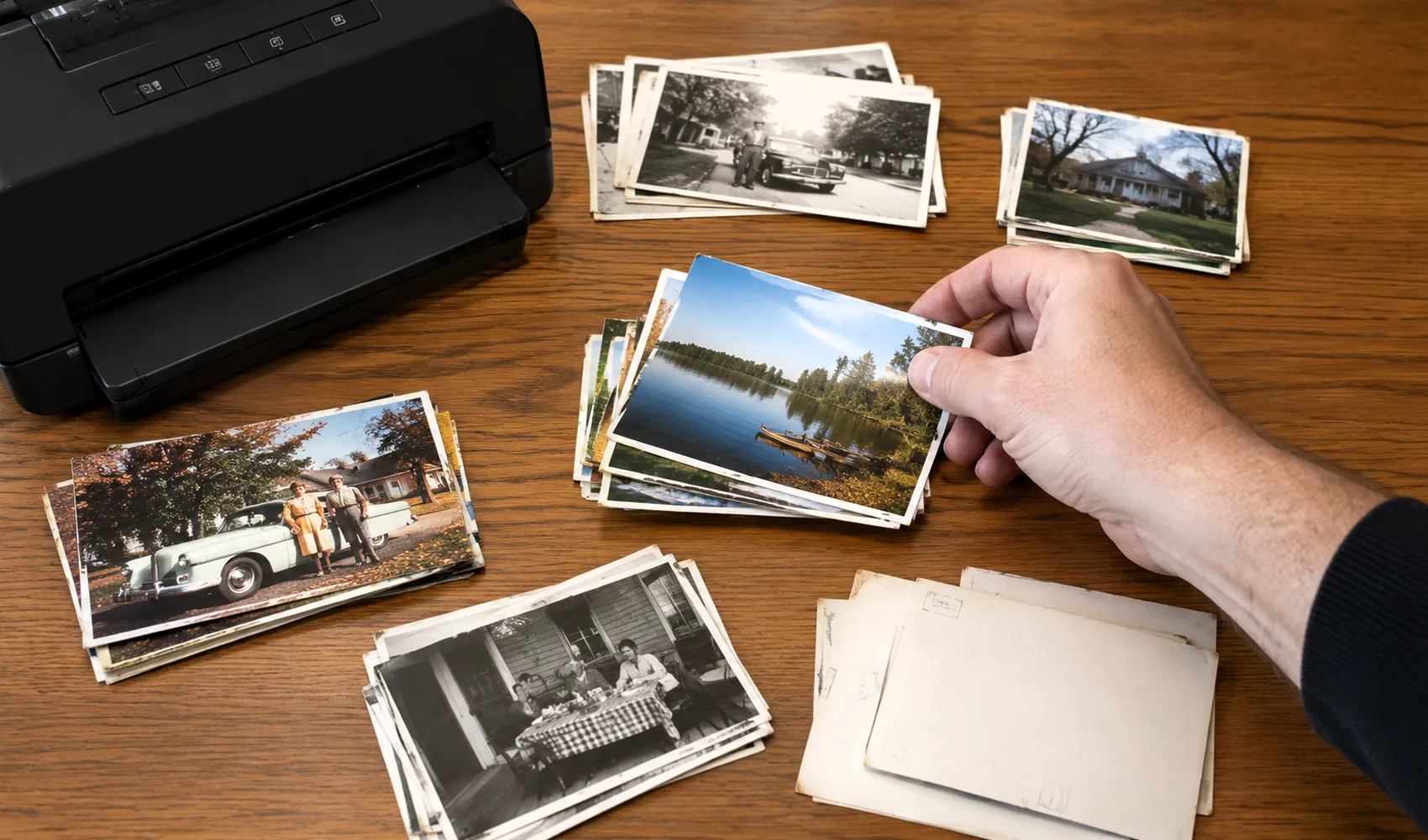
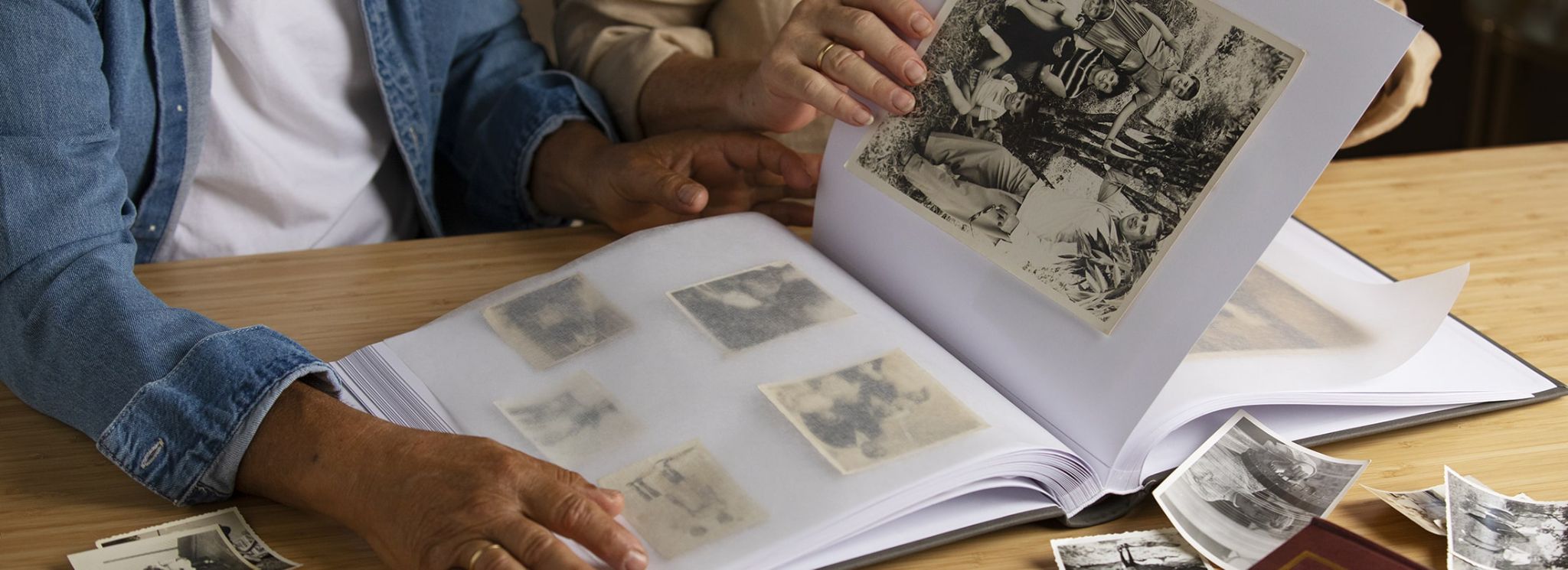
The first pass is messy. Just get every photo out of its envelope and onto a flat surface where you can see them all at once.
Getting everything onto one surface is the first step to making sense of a large collection.
Where do you even start when you have hundreds of loose photos?
Start by getting everything in one place. Pull from every drawer, album, box, and envelope in the house. Most people think they know where all of their photos are. They don't. Not all of them. The first time I did this with my own family's collection, photos turned up in three different closets, a kitchen cabinet, and the back of a filing drawer.
Once everything is on a table, do a quick rough sort into loose piles by era. Don't aim for precision. Three to five buckets are enough: early childhood, school years, young adult, recent decades, unknown. The goal is to break up the one giant pile, not to assign a date to every photo. The rough sort takes 20 to 30 minutes for most collections and makes everything that follows faster.
How do you sort photos when most of them aren't dated?
Most old photos have no date on them, and that's fine. You don't need exact dates to create a well-organized digital archive. You need a reasonable sequence.
The most reliable method is to use people as anchors. Find a few photos where you know roughly when they were taken: someone's graduation, a specific childhood home, a relative who passed away at a known age. Use those as tent poles. Then arrange undated photos around them by comparing the apparent ages of the people in each photo. A photo where someone looks about 10 years old should sit near the photo of them in 3rd grade. This isn't guesswork; it's close enough to be useful.
For photos that truly can't be placed, make a separate pile and mark them as "unknown." Scan them anyway. Metadata can be added after the fact, and family members often identify photos once they can see them on a screen, far more easily than squinting at small prints on a table.
FamilySearch recommends building a rough chronological sequence before scanning so that your digital files come back in a meaningful order rather than random batches. That small investment upfront saves hours of digital reorganization later.
Should you scan every photo, or cull first?
Cull first. Every scanning service, including ours, charges per print. Scanning every blurry vacation snapshot, every duplicate, every photo of a field with no people in it means paying for files you'll never look at.
The culling criteria I use are simple. Remove blurry or severely underexposed photos: scanning them doesn't improve them. If you can't tell who is in a photo now, you won't be able to after scanning. Remove true duplicates, keeping only the best copy. Remove unknown subjects with no context: a photo of a stranger at a party that no family member can identify has no preservation value for your family specifically.
That said, don't be too aggressive. When in doubt, scan it. The cost difference between scanning 400 versus 450 photos is small. The regret of discarding something that turned out to matter is not.
Keep your culls in a separate envelope rather than throwing them away immediately. After you've seen your scans, wait a few weeks and revisit. You'll know by then which ones you missed.
Photo Scanning & Digitization
We scan your original prints at up to 600 DPI and deliver organized digital files on USB or via download. Originals returned safely packaged.
GET STARTEDHow do you identify the people in old family photos before they're forgotten?
This step is more time-sensitive than any other part of the process. The older relatives who can identify people in your photos (grandparents, great-aunts, older family friends) are a finite resource. Once they're gone, those identifications are gone with them.
Do this before you send anything anywhere. Sit down with whoever in your family has the most context. Bring a good lamp. Go through the unknown pile and write down what they tell you. Not in your head. Write it down. First and last names, maiden names where applicable, approximate years if they know them.
If you're not near relatives who can help, photograph each unknown print with your phone and text or email the images to family members. Remote identification works surprisingly well. People often recognize someone in a photo on a screen that they couldn't place in a pile on a table.
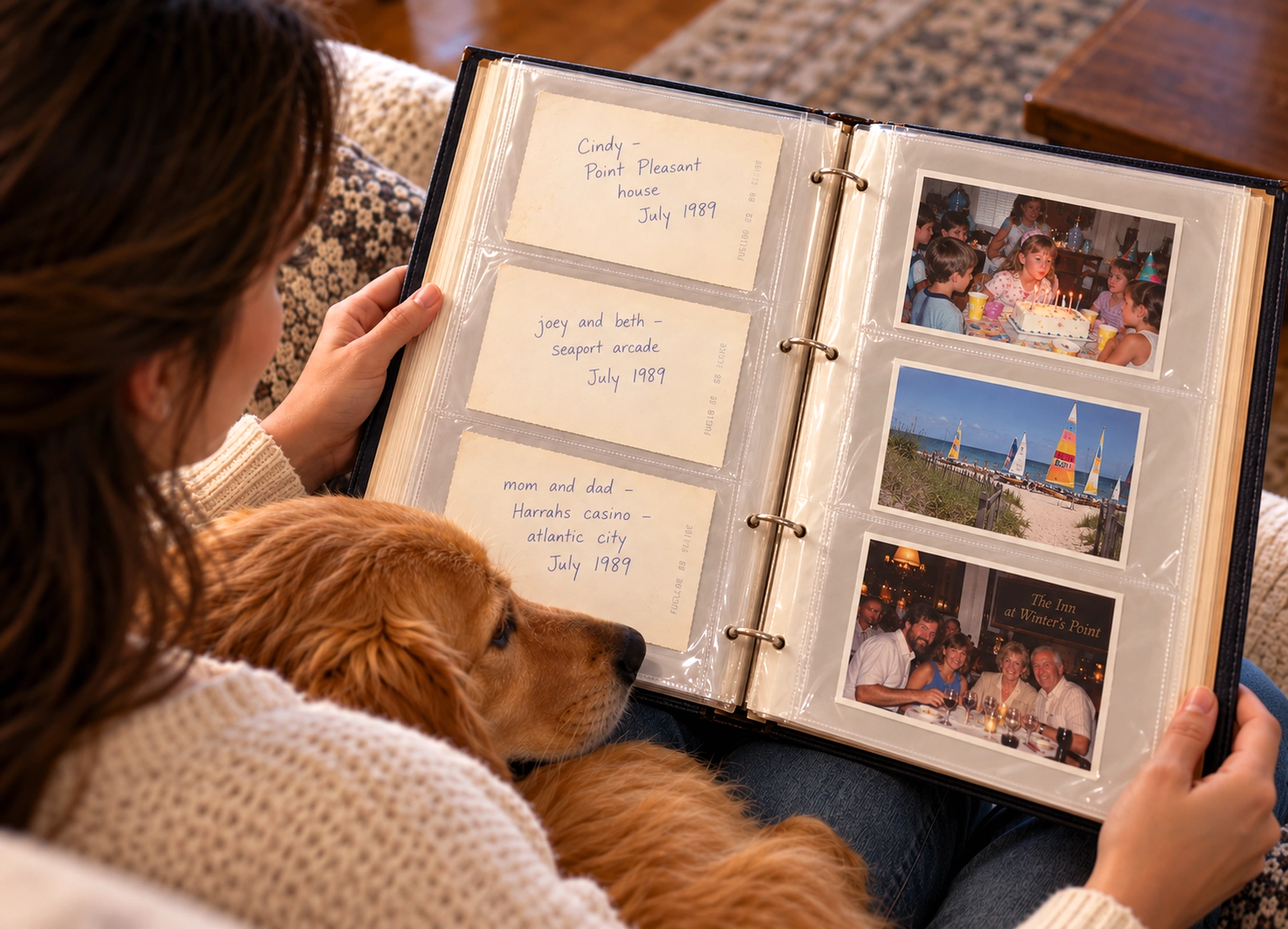
Archival best practice, according to Archival Methods, is to label photos on the reverse side using a soft #2 pencil. Never use a pen or marker (which can bleed through to the image surface over time) or a self-adhesive label (which can pull off and take emulsion with it). Write gently, with light pressure. The goal is a readable note that doesn't indent the print.
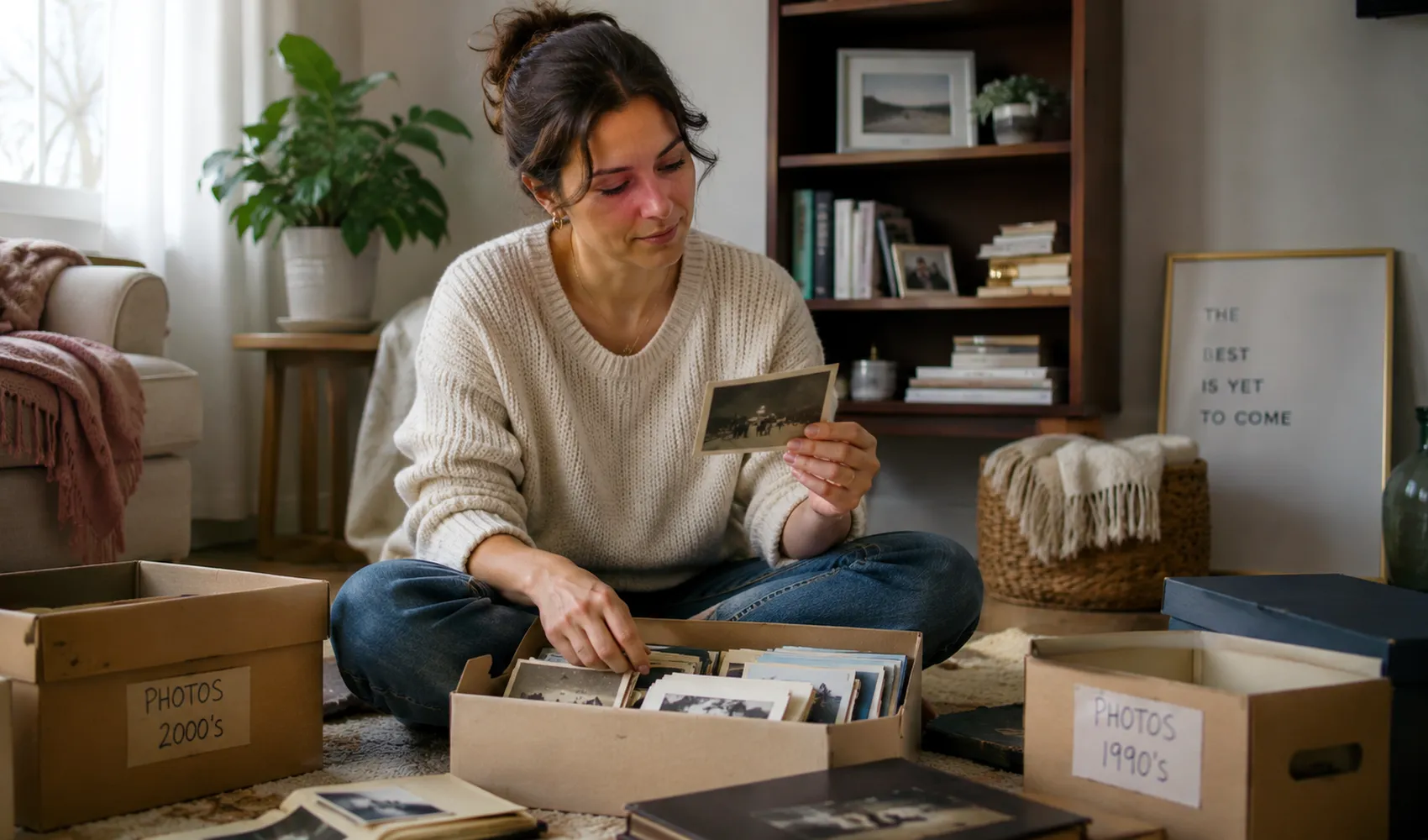
Sorting by decade first, then by event, is faster than trying to sort everything chronologically from the start.
Sitting down with older relatives to identify unknown faces is one of the most time-sensitive steps in the whole process.
What's the right way to label photos before handing them to a scanning service?
When you hand off a physical collection, you're creating a gap in the chain of custody. Any information not physically attached to or written on the photo can get lost. This is especially true for loose prints, which shift around in transit.
Here is what I recommend. Write names and an approximate date or decade directly on the back of each print (soft pencil, light pressure). Group photos into labeled paper envelopes by era or event: "1960s," "Mom's wedding," "Grandpa's Navy years," whatever categories make sense. Rubber bands are not archival; they indent photos over time. Paper envelopes are inexpensive and keep groups together during shipping and scanning.
Include a cover note describing your collection: the total approximate count, whether any prints are fragile or stuck together, whether you want specific groupings kept together in your digital output, and any names or dates you captured that weren't written directly on the prints.
At Forever Studios, we review every customer's notes before we start. A two-paragraph cover note often answers questions that would have otherwise required a follow-up call and keeps the process moving smoothly.
How do you handle delicate, damaged, or stuck-together photos?
Do not try to separate stuck photos yourself. This is the instruction I repeat most often with new customers because it's the one people most often ignore. A stuck photo feels like it should be fixable: just peel them apart carefully. The result, nine times out of ten, is a torn emulsion layer that permanently destroys part or all of one of the prints. Moisture and time create a bond stronger than the photo surface.
The same care applies to photos that are brittle, cracked, or show signs of water damage. Handle them as little as possible. Place them flat in a paper envelope or between sheets of acid-free tissue. Don't stack heavy items on top of them, and don't use rubber bands.
A professional scanning lab with restoration capability can work with damaged prints in ways that home handling cannot. Skilled digital restoration can reconstruct torn edges, repair water damage, and recover detail from faded prints. But only if the physical print arrives intact. If you have photos that need restoration work alongside scanning, see our photo restoration service for more on what's possible.
What should you tell your scanning service once you're ready?
Before you ship, be ready to communicate three things.
What you have: the approximate number of prints, any unusual formats such as panoramas, Polaroids, large-format prints, or photos mounted on cardboard, and any prints that are fragile or need special handling.
How you want the files: one folder per envelope, or files sorted by year or event? High-resolution archival files, sharing-size copies, or both? A good scanning service will offer options, and knowing your preferences upfront means you get usable files rather than one undifferentiated folder of hundreds of JPEGs.
What you'll do with the scans afterward: if you want to make photo books, the service should know. If you want to share files with relatives across different devices, output format matters. If you want long-term archival storage, file size and format recommendations differ from a casual digitizing job.
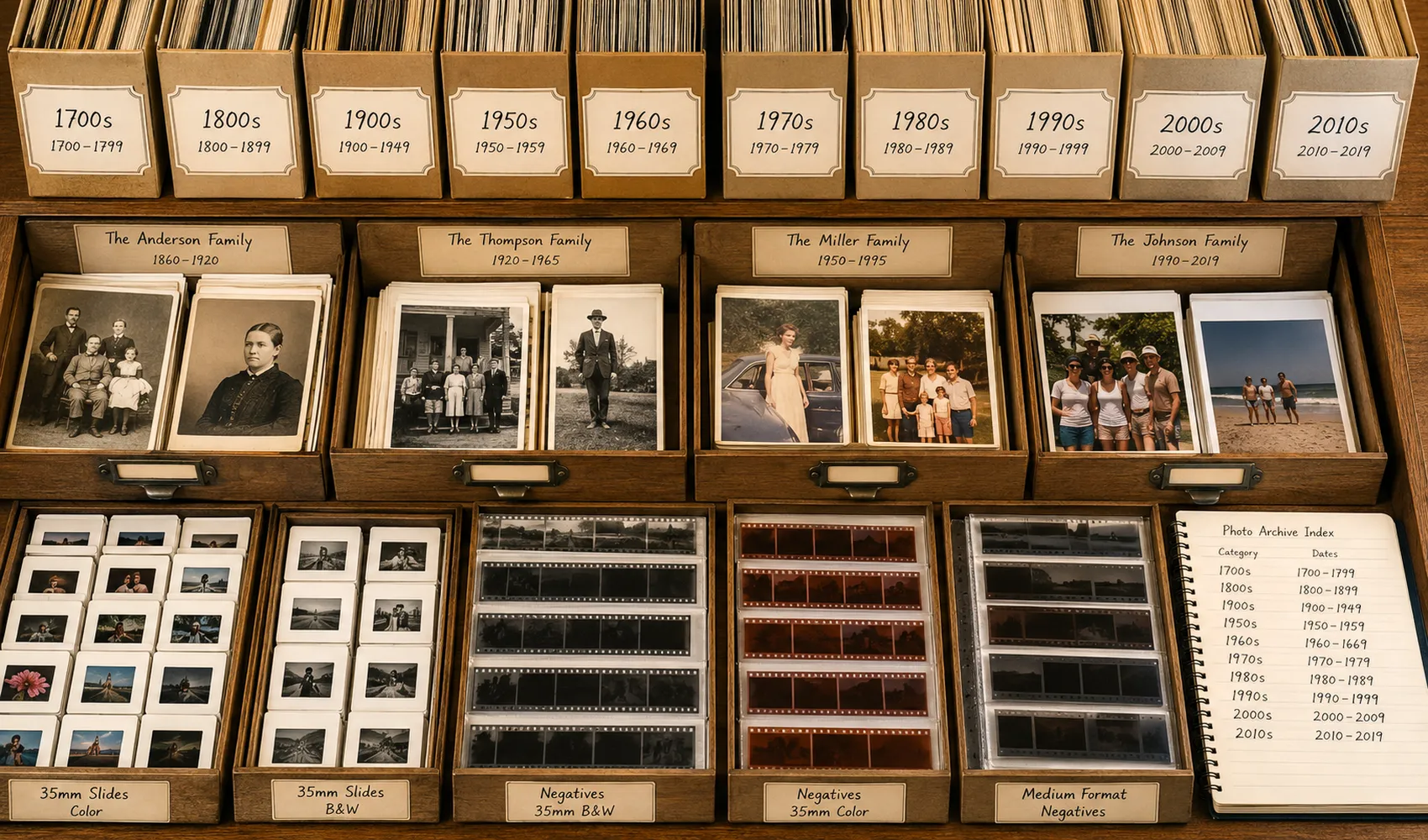
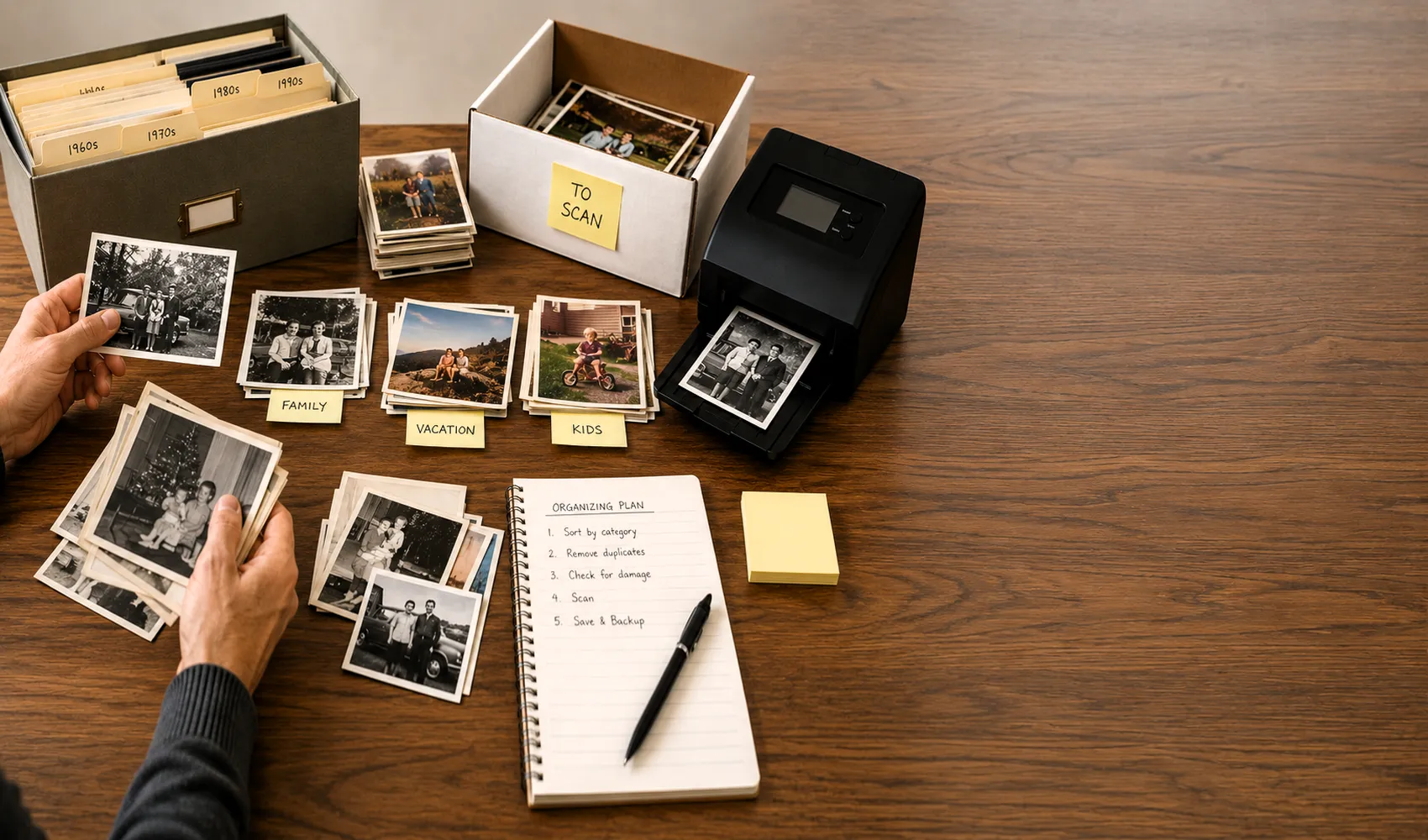
This is what a scanning service actually wants from you, organized by family or by decade with a written index. Pre-sorting like this saves time and money on the scanning side.
A well-organized collection, sorted by era and labeled with names and dates, makes the scanning process faster and your digital archive far more useful.
At Forever Studios, a professional photo and video preservation studio serving customers nationwide from our lab in Boca Raton, Florida, we scan prints at up to 600 DPI and return files on a USB drive or via digital download, with original prints returned carefully packaged. Customers who arrive organized and labeled almost always end up with a final product they're happy with.
The organizing isn't the hard part. An afternoon with your collection, a box of paper envelopes, and a soft pencil is genuinely all it takes. The hard part, if there is one, is starting.
Ready to send your collection?
Once your photos are sorted, labeled, and packed in envelopes, the next step is getting them scanned. Visit our photo scanning service page to see exactly what we offer and how to send us your collection. If you've just inherited a large group of photos and aren't sure where to begin, our guide on what to do with old photos found in a parent's house covers the broader process of deciding what to keep, what to scan, and what to share.
We've helped customers preserve collections of every kind, from a single envelope of 30 prints to entire attics of unsorted photos spanning five generations. Our team is happy to talk through your specific situation before you commit to shipping anything. And if you're navigating the process of dividing photos among family members, our article on how to divide family photos among siblings walks through that conversation in detail.
Frequently Asked Questions
How long does it take to organize old family photos before scanning?
For most collections of 200 to 500 photos, a rough sort into era-based piles takes 1 to 2 hours. Adding identification notes and labeling envelopes adds another 1 to 3 hours depending on how much family context you have available. Most people complete the preparation in a single afternoon.
Do I need to remove photos from albums before sending them to a scanning service?
It depends on the service. At Forever Studios, we can scan photos still in albums, but loose prints tend to yield higher quality scans because we can position them precisely. If photos are stuck in magnetic or peel-and-stick albums, do not try to remove them yourself. The adhesive can tear the photo surface. Contact the service first for guidance.
What should I do with photos I don't recognize anyone in?
Set them aside in a separate "unknown" envelope rather than discarding them. Scan them anyway. Family members often identify people more easily when viewing digitized photos on a screen than when squinting at a small print. You can add identification notes to the digital files after the fact.
How many old photos fit on a USB drive?
At 600 DPI, a standard 4x6 print produces a file roughly 5 to 10 MB in size. A 32GB USB drive holds approximately 3,000 to 6,000 scanned photos at high resolution. Most family collections of 200 to 800 photos fit comfortably on a single 8GB or 16GB drive, even at archival quality.

Ready to digitize it right the first time?
Bring your tapes, film, and photos to the team that treats every project as irreplaceable. All work is handled in-house in Boca Raton, never outsourced.