Complete DIY 35mm Negatives Scanning Guide.
Should you scan your 35mm film negatives at home? With our DIY guide discover the best equipment & techniques to digitize your film negatives or hire a pro.
Contents
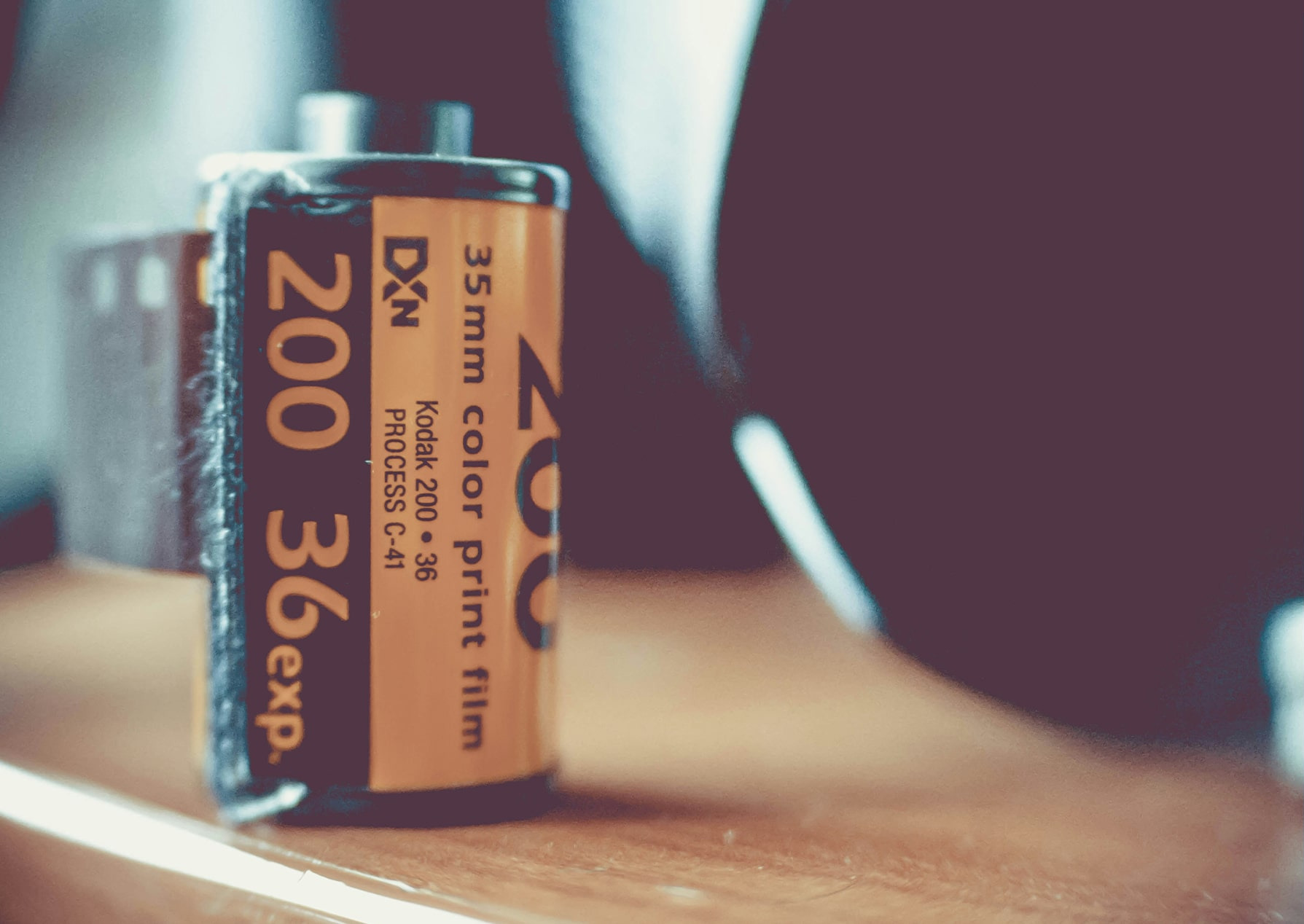
Have you ever gone through old boxes of photos and stumbled upon old rolls of film negatives or 35mm negative film strips but didn't know what to do with them? I have. Plenty of times. And let me tell you, when I was a kid (dumb and naive), I didn't know what to do with them either. So, back into the closet they went.
As an adult, I think I know a bit better what to do with those same negatives that were passed on to me, and so I’ll be sharing some of my tips about what they are and how to digitize your old 35mm negatives. Ready to go? Then let’s get into it!

How a typical 35mm negative strip looks like.
How to Digitize Your 35mm Film Negatives: A DIY Guide
There are certain ways which I will cover to DIY digitize your 35mm film at home and absolutely get great digital results, but let me level with you here... It's going to be time consuming and costly. Also, unless you invest in professional quality scanning equipment and put time into learning how to use the equipment properly, it really is not worth the time.
If you do it wrong, some pretty priceless memories may be ruined, not to mention a good amount of money wasted on equipment. In other words, say goodbye to your old 35 mm film (or photos) and your precious time. If you want your precious (or, in my case, lost) memories to stick around for generations, taking them to a proper professional film negative digitizing service like Forever Studios is your best bet if you want the best results with minimal time invested.
But for those of you with a bit of courage, a bit of skill, a bit of time, and the desire to learn a new skill, read on!
What Are 35mm Film Negatives Anyway?
35mm film negatives (invented by Henry William Fox Talbot in 1839) are retro treasures. Those little strips of film are coated in a silver-based chemical concoction. When properly captured and adjusted, light becomes dark, dark becomes light, and somehow, there's more detail than the human eye first realizes. Pretty cool, right?

There are more details to these negatives than what the human eye can see.
The Importance of Digitizing Film Negatives.
The film negatives in those old photo envelopes and film canisters allow you to create duplicate positive prints with the proper equipment (e.g., a photographic enlarger or a contact printer). In a society where technology is everywhere, it's vital to convert film negatives into easily accessible digital files. Why? Because old 35mm film strips won't last forever. They're at the mercy of time, and without a digital backup, they could one day turn into ghosts of white film.
WHY SHOULD I DIGITIZE MY 35MM FILM NEGATIVES?
Sure, digital photos from digital cameras are the norm now, but the richness of old film negatives? They just don't make them like that anymore. Digitized 35mm film can be restored to its original glory (or made even better and brought into the 21st century) with some clever editing and color balance. And how about the benefit of sharing your photos with family? Well, it’s never been easier with iCloud or Forever Cloud. Can you just imagine sending your grandma a huge batch of new family photos that were once lost to the depths of a storage bin and grinning and laughing while you hear all the stories behind these wonderful memories?
Different Methods for Film Negative Digitization.
There's no one-size-fits-all method to the digitizing process of 35mm negatives, and as mentioned above, the right fit depends on your desired image quality, how much you're willing to spend, and how hands-on you want to get with the process.
SCANNING 35MM NEGATIVES WITH FLATBED SCANNERS.
Flatbed scanners aren't meant for 35mm film negatives, but they'll work in a pinch. The image quality is not going to be great and in many cases you will have to invert the digital image, though. At best, it'll be ok, but hey, it's a start if you want to do it budget-minded at home. A typical scanner bed costs about $57 at Walmart and $70-$150 at Amazon,a pretty penny for iffy results.

A typical home photo scanner. Epson V19. On some of them you may have to scan and find software to invert the result.

The Plustek OpticFilm 135i is one of the more expensive scanning options (photo from https://www.digitalcameraworld.com/buying-guides/the-best-film-scanners)
HIGH-QUALITY 35MM FILM SCANNERS
Now, if you have a bit of a discerning eye and demand the crème de la crème, dedicated film scanners are what you're looking for. They come loaded with special features like dust and scratch removal, which is pretty useful for tidying up film strips after years of neglect. High-quality slide scanners may guarantee pixel perfection (if the original film is of good quality to begin with), but hold your horses. Finding the right one is difficult and bloody expensive. You might get a Hollywood finish but you'll be paying through your nose.
For a couple thousand dollars ($3,899.00) + the cost of a full frame camera, you can get a SlideSnap Strip. This is truly a professional-grade machine that rapidly scans 35mm negatives with incredible, quality results. This is a fantastic scanner, if you can afford to invest in one. But for the majority of the population, it’s a buy that’s too expensive.
AFFORDABLE FILM SCANNERS FOR 35MM FILM DIGITIZING.
Affordable film scanners designed for actual film strips are hit or miss. Take the CARDBOARD KODAK Mobile Film Scanner on Amazon. The price is decent ($34.99), but the reviews speak volumes. The light source is too bright, and the resulting images are distorted. If we looked at the 35mm slide viewer, another Amazon find ($23.99), we would find better reviews but nothing concrete. I even saw some that claimed it ruined their film slides because they didn't fit (yikes). But, hey its pretty cheap.
Thanks to www.bestreviews.guide and the reviews on Amazon, the best flatbed scanner for 35mm film negatives is the Epson Perfection V600 Color Photo, Image, Film, Negative & Document Scanner. It’s $349.99 with a 4.2 rating. So, apparently (according to a FAQ answered by a buyer), you’ll be able to scan 4 35mm slides at once. The reviews were all generally positive; however, a few issues were brought up. The system is slow, and the frame doesn’t keep the slides flat, so they curl up. Many reviews say that the scanning results were very clear and detailed, but a few stated they had issues. One even said that their phone did a better job (yikes).

SlideSnap Strip (photo from https://slidesnap.com/product/slidesnap-strip/)
You might be wondering what Forever Studios uses for the majority of our 35mm negative scanning projects. If you guessed SlideSnap machines, you would be right! SlideSnap is our provider for a number of different media digitizing solutions in our Digitizing Studio, including our negative scanning service.
DRUM SCANNERS.
Let's not forget drum scanners – the gold standard for high-resolution scans. If you need a digitized photo that is truly professional and borderline perfect (and you've got a hefty wad of cash), drum scanners top pretty much any other piece of equipment. That being said, they are an investment. Perhaps... they aren't the best choice for at-home DIYs? (Heavy sarcasm here, folks. Just go to a reputable business with digital conversion services).

Is anyone else an Iron Man fan? (photo from https://www.spectra-imaging.com/drum-scanning.html)
Please let me make something clear, unless you’re a very professional company or studio, you’re not getting a drum scanner. I only included it in the list because you can use one to scan negatives (even though it’s completely extra and unnecessary).
DSLR CAMERA + ADAPTER.
For the DIY crowd who like to get crafty with a light table and camera, it's a more involved process. You've got to know your stuff, like flipping negatives into positive images in post-processing. But if that's your jam, more power to you!

A DSLR camera with a negatives scanner attachment
So, unless you're a professional photographer or you have an expensive hobby, most people won't have a DSLR camera lying around. If you do (and you actually know how to use it), set it up on a tripod and slap on a macro lens and a digitizing adapter like this one from Amazon.
The JJC ES-2 Film Digitizing Adapter Set Kit goes for $69.99 with a 4.1 rating. The positive reviews say that the kit is worth the price because it is relatively cheap. However, the more negative reviews state that items were missing, the insert is too wobbly, and the whole kit is made with cheap, flimsy plastic.
Do Film Digitizing Smartphone Apps Work?
If you are like most people and don't have a fancy camera with attachments, using your cell phone and online apps might work best. FilmLab, Filmory, etc. There are so many apps out there, and many of them claim to be the best with unique editing, tools, and filters.
Look, one of my favorite sayings is that you get what you pay for. Be smart, do even more research (aka read the reviews past the first 10), and be aware that you're giving a third-party app permission to access your media.
FilmLab, I'll be honest, is not a good choice. It's got a terrible rating at 2.9 with in-app purchases and, apparently, major issues and missing features. Filmory, on the other hand, has a 4.5 rating with in-app purchases. This, of course, is the better option of the two. A lot of the reviews say that the app is easy to use and has great results. 0h, and better yet, it's an affordable option because the subscription costs less than $20 annually.
Handle 35mm Film Negatives with Care.
Precision and care are the name of the game. Film strips are delicate and easily messed up by the harsh glare of light, the inevitability of degradation or the oils on your fingers. And any damage will affect the quality of your digital images.

No touchy! Fingerprints!
When it comes to DIY digitizing 35mm film negatives, it's important to keep your entire workplace clean. Dust, fingerprints, etc., will be visible on your digital scans. It should almost go without saying, but please (and I mean please) handle them with gloves, wear white cotton gloves and keep a microfiber cloth nearby. It's important to protect negatives from the oils on your skin and grime.
IDENTIFY DAMAGED NEGATIVES.
In the best of the best circumstances, your 35mm film negatives will be perfect or have little to no imperfections. But let's be realistic: if they've been in storage for a long time, they're not in the best shape. Identifying damaged negatives is key to preserving them for future generations.
Look out for evident defects like tears, scratches, or discoloration, which can mess with the image quality.

Burned 35mm negative Film
Here's a quick run-down:
-
Tears or scratches: Visible marks that obviously shouldn't be there.
-
Discoloration: Faded colors or shifts in color balance that make your negatives look off. Oftentimes, this is caused by direct sunlight or fluctuating temperatures.
-
Physical degradation: Brittleness or curling edges that suggest your negatives are aging... not like fine wine.
Don't toss them just because they look beyond repair. Even the most battle-worn negatives can be brought back to life by experts who know how to restore images to their former, vibrant glory.
Why Do My Digital Film Negatives Not Look Perfect?
No digitizing project is going to be 100% perfect right after the scanning process; sorry to break it to you. Once you've captured and transferred the negative images to a computer, some post-editing will have to be done to properly inverse and color-correct the image. That's not even considering any imperfections (scratches, distortions, dirt, etc.) that have to be removed or fixed.
Lightroom, Photoshop... pick your digital darkroom to tweak the images into digital perfection. You might want to make multiple copies of your film first, though. Professional-grade photo editing software takes time and practice to get used to.

Adobe Photoshop offers plenty of tools to tweak your negative quality digitally.
Consider Professional Negatives Digitization Services.
Do your research before you ship off your film rolls! Not all film scanning services are created equal. Consider the blend of cost, quality, and convenience, ensuring it hits the right spot. Think about how these services go about shipping, caring for your negatives, the process (do they update you every step of the way?), and customer service.
The best photo scanning service is one that you can track from start to finish. Thanks to Forever Studio’s extensive project management capabilities, you can actually see exactly what part of the process your project is in, on demand. Just log into your account, and every bit of information will be right there for you.
WHICH FILM SCANNING COMPANY SHOULD I CHOOSE?
Negative scanning services are there for a reason. At Forever Studios, our photo scanning experts have the fancy equipment and skills to turn your black-and-white or color negatives into digital memories. And, of course, we'll treat the film strips with the care and respect they deserve.

An expert scan technician from Forever Studios.
Forever Studio’s photo, slide and negative scanning service meticulously scans each of your photos and documents by hand, with specialized equipment and technicians that are guaranteed to produce top-notch quality. Our Forever Studios Digitizing Studio prioritizes maintaining high standards, and never compromises on anything, so you can trust that your images will look flawless.

A peak into the Digitizing Studio of Forever Studios.
Digitizing photos can be a real pain, let alone expensive and time-consuming. Whether you choose the cheap and easy route or one of the costly and more labor-intensive options, each has pitfalls. If DIY digitizing your precious memories is not your cup of tea (honestly, same), go to a professional digitization company like Forever Studios. At the end of the day, you'll get high-quality images worthy of being handed down.
Ready to digitize it right the first time?
Bring your tapes, film, and photos to the team that treats every project as irreplaceable. All work is handled in-house in Boca Raton, never outsourced.