What is the Best Resolution for Scanning Photos?
Excited to revisit those precious memories preserved in your old photographs? Allow us to guide you for the best results!
Contents
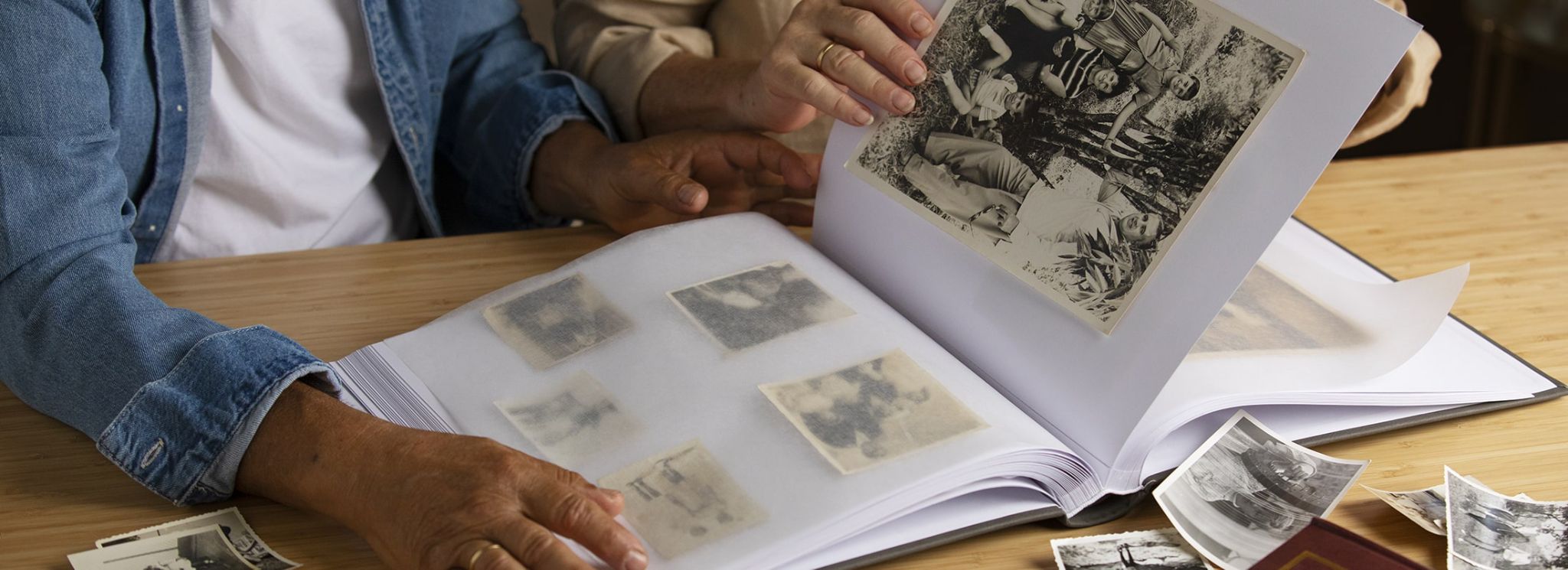
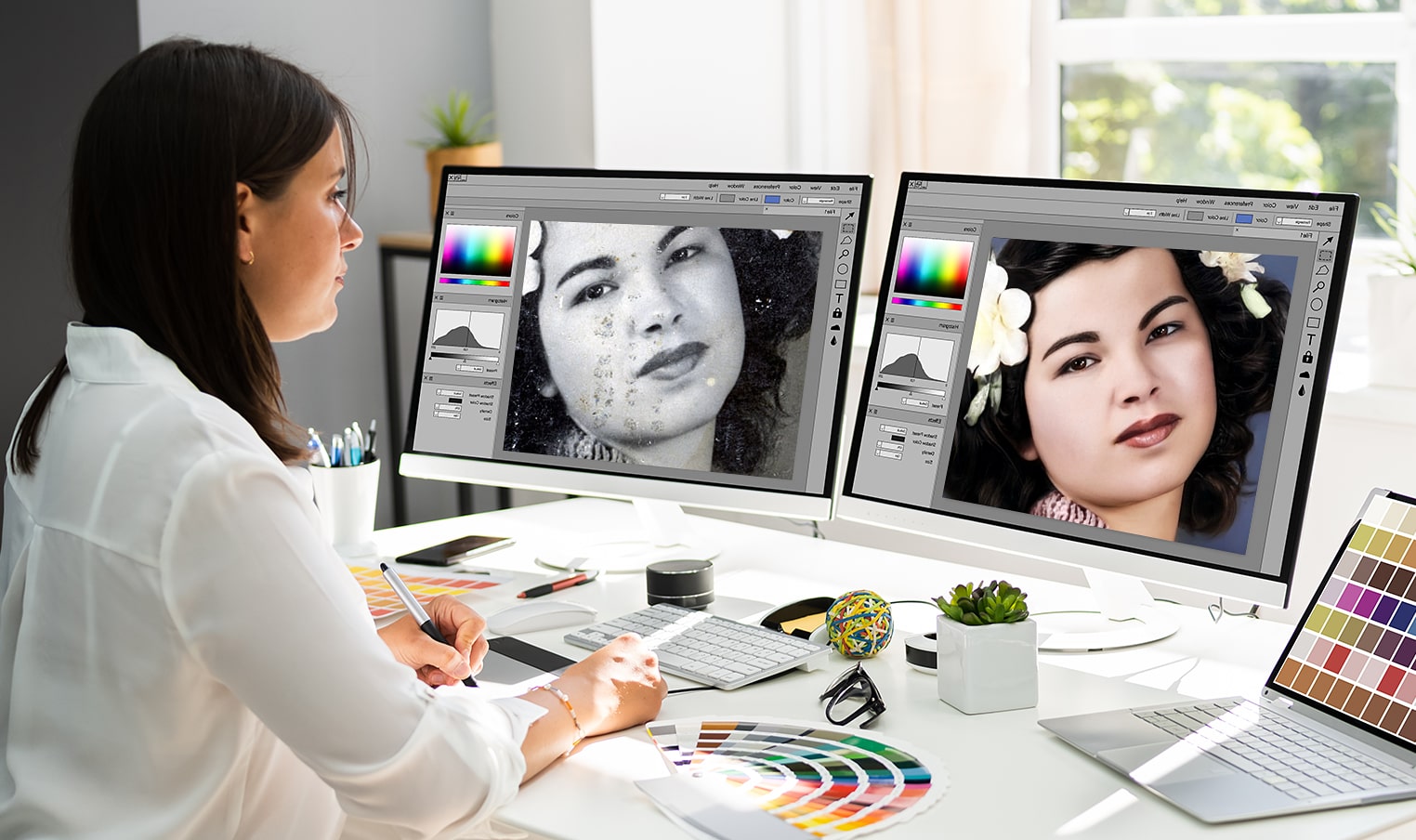
For scanning printed photos, 600 DPI is the best resolution for preserving them. At this resolution you will have the option to print the scanned photos at double the original print size, to crop and/or retouch the scanned photos, and to view the scanned photos on your 4K TV or very high resolution computer monitor. Photos scanned at 300 DPI will look great when first viewed but that is it for options with that resolution. At Forever Studios, our team of professional photo and video preservationists scan every print at 600 DPI by hand at our studio in Boca Raton, FL. We also offer photo restoration services on the scanned photos. If you need your precious photos preserved at the highest quality, then have Forever Studios scan your photos at 600 DPI and we will deliver them to you on USB, DVD, or in the cloud as high resolution JPEG files.
What Do DPI and PPI Actually Mean?
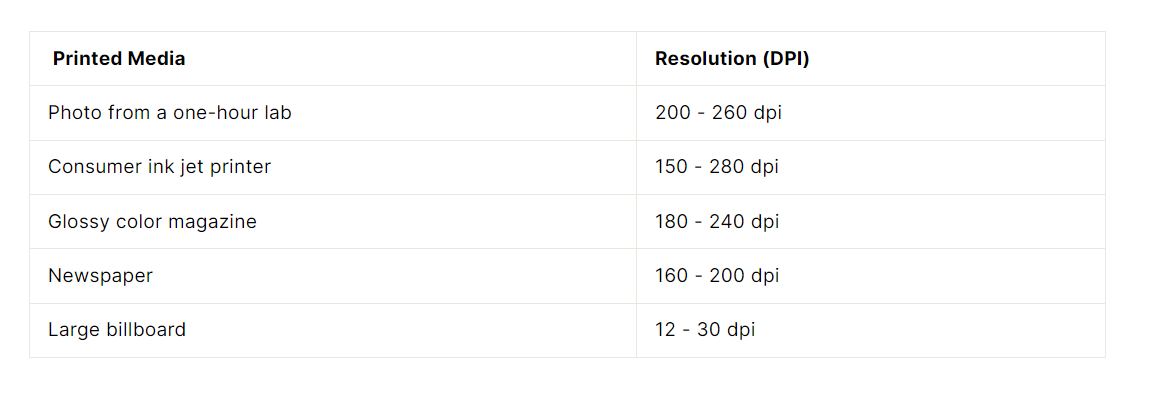
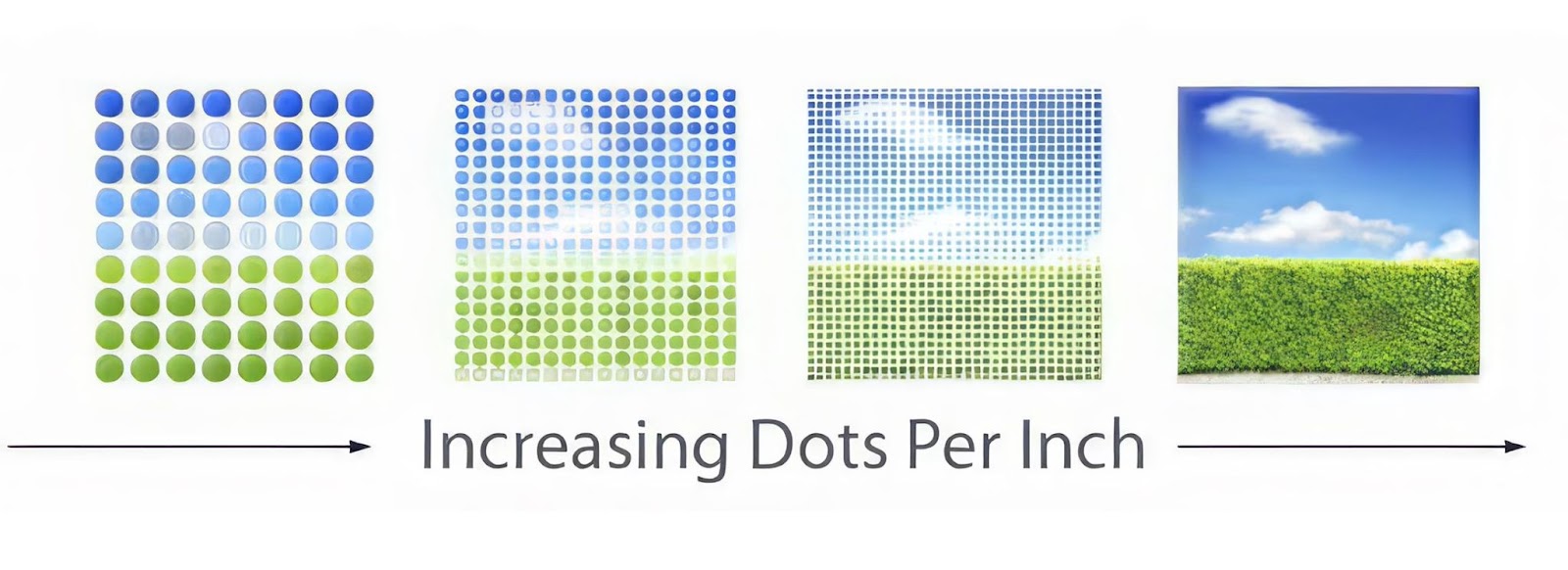
DPI (dots per inch) and PPI (pixels per inch) are two terms that are used to determine the amount of information (or “resolution”) in a scanned image or printed image on a screen. Both terms are often used interchangeably for the process of scanning images, and for the purpose of this article, both terms will be used that way. When we refer to the “resolution” of an image, we are talking about the amount of information picked up from a printed image by a scanner or other device, and stored as pixels in the digital file. The higher the number of DPI or PPI, the more real information is picked up from a printed image by a scanner. For example, a 4×6 inch printed photograph that has been scanned at 300 DPI will have an image file that is 1200 x 1800 pixels in size. The same 4×6 inch printed photograph that has been scanned at 600 DPI will have an image file that is 2400 x 3600 pixels in size, or four times as much real information from the printed original.
What Is the Best DPI for Scanning Printed Photos?
600 DPI is the standard used by Forever Studios for scanning of family prints. The federal FADGI guidelines for digitizing of prints and photographs used by the Library of Congress and the National Archives, recommend a minimum of 400 PPI for high quality print digitization. We find that 600 DPI is more than sufficient for all prints. When enlarging a printed photograph or for cropping and/or damage repair, the higher DPI scan will yield the best results. At 300 DPI, the additional time required to scan your photos is minor, but the loss of flexibility in using the digitized files in the future is great. So, scan at the higher DPI number once and you will never have to pull the boxes out again.
What Resolution Do Slides and Negatives Need?
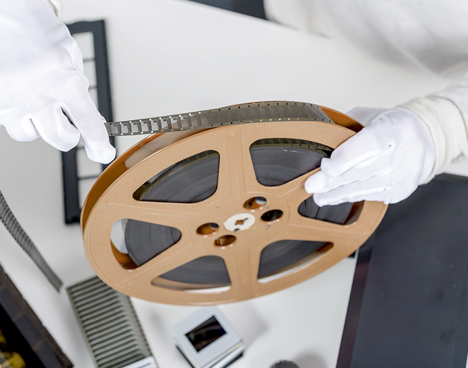
When it comes to scanning negatives, we are dealing with a very small original, typically about the size of a 1 inch by 1.4 inch rectangle. As you might expect, a small original such as this contains a huge amount of information. In order to get the same amount of information from a scanned negative as you would get from a scanned print of the same size, you need to have a tremendous amount of information per inch of scanned image. The working standard for 35mm negatives is between 3,000 and 4,000 DPI. Slide scanning is typically a function best left to a dedicated film scanner. You will not get very good results from scanning a 35mm slide on a flatbed photo scanner set up for print scanning (such as 600 DPI). The small amount of information in the slide does not translate well to very large images. Slides and negatives are a job for dedicated film scanning equipment.
Does Scanning at a Higher DPI Ever Hurt?
It is also important to understand the limitations of any printed photo and how increasing the DPI of a scan can provide very little additional value when the original has already reached its limits. For instance, most printed photos are composed of tiny dots of ink on paper, and increasing the DPI of a scan to 1200 or higher will actually capture the paper’s natural grain, resulting in a much larger file with no visible gain in detail. For very small originals you plan to enlarge heavily, like wallet photos, we recommend 1,200 DPI. However, for all other purposes and items, 600 DPI is the ‘sweet spot’ and where the majority of the increased quality gained from scanning at higher resolutions will occur.
What DPI Do You Need for Reprints and Enlargements?
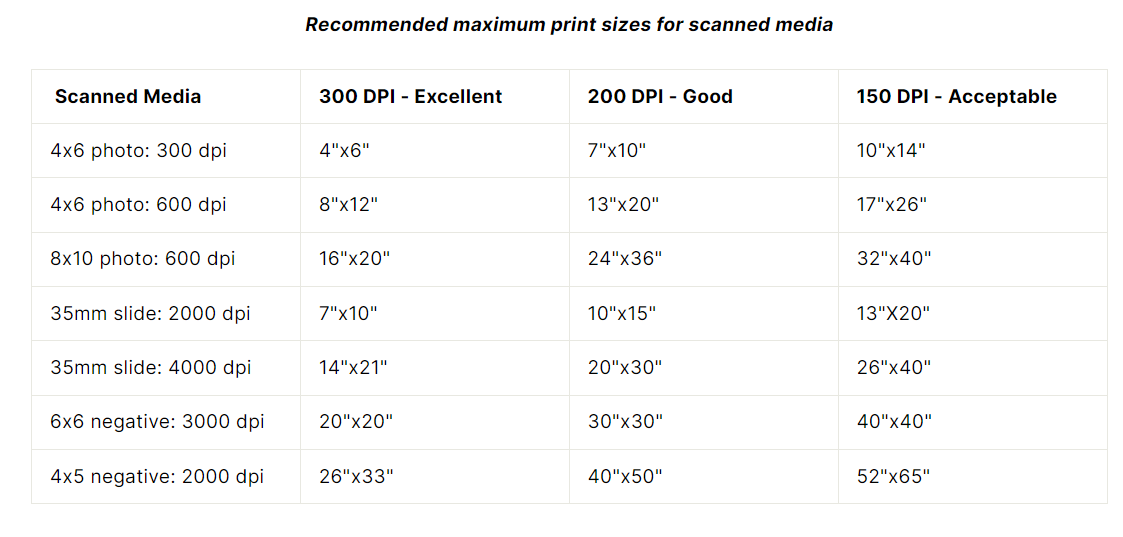
One factor to consider when saving photographs is the intended use of the prints. If you are going to reprint your photographs at the same size as the originals, then a 300 DPI scan will produce a very nice quality print. However, if you intend to enlarge your photographs, then you will need to scan at 600 DPI in order to achieve the best results when printing at double the original size. Large poster sized prints will typically call for a setting higher than any flatbed scanner’s default setting. The following table outlines the suggested print sizes and corresponding scan resolution:
What About Photos You Will Only View on Screens?
The resolution required for images on screens has always been relatively low as images can easily be reproduced and people view images on screens from a variety of distances. Modern screens, however, are extremely sharp and are therefore better suited to displaying images with high levels of detail. The amount of information required to display an image of average size on a high definition screen (such as a Blu-ray or 4K TV) is about the same as required for a 4×6 inch print scanned at 600 DPI. This means that while an image scanned at 300 DPI will probably be acceptable when viewed on a phone or laptop, it may not hold up as well as an image scanned at 600 DPI when viewed on very large screens or in very large sizes.

How Forever Studios Scans Your Photos
All Forever Studios photos are hand scanned from 50 cents per photo at 300 DPI, with 600 DPI available, and delivered in high-resolution JPEG files on USB, DVD or in our secure cloud. Damaged photos go straight to our photo restoration team, who work from the high-resolution scan of the damaged print. If you are also deciding how the files should be saved, our guide to the highest quality image format covers TIFF versus JPEG, and our photo scanning cost guide compares DIY, mail-in, and professional studio options end to end. Get a price today through our photo scanning service page and let a Forever Studios representative help you with your project.
Ready to digitize it right the first time?
Bring your tapes, film, and photos to the team that treats every project as irreplaceable. All work is handled in-house in Boca Raton, never outsourced.